

Overview
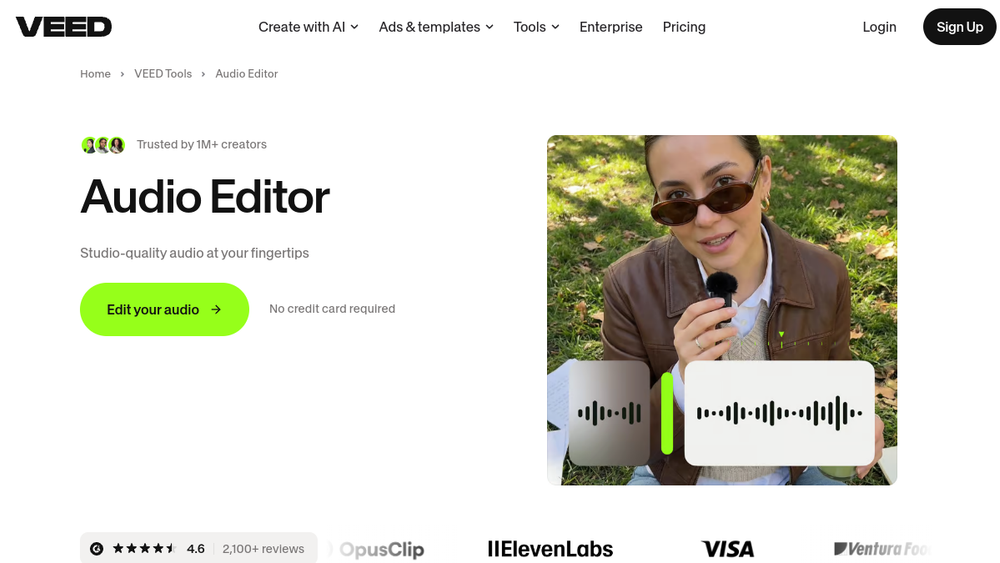
VEED is a browser-based audio editing tool that provides a comprehensive suite for recording, editing, and enhancing audio files. It is designed to be a user-friendly alternative to traditional desktop software like Audacity, offering a drag-and-drop interface that simplifies the editing process. The tool is part of VEED's broader video creation platform, but its audio editor stands alone as a dedicated solution for refining voice recordings, music, and other audio content.
VEED's audio editor is positioned for creators who need quick, professional results without the learning curve of complex software. It supports common audio formats such as MP3, WAV, and M4A, and includes AI-powered features like background noise removal, which is powered by Dolby Technology. The editor operates entirely online, eliminating the need for downloads and saving device storage, making it accessible from any device with a browser.
Best for
- Podcasters and content creators who need to clean up voice recordings and remove background noise efficiently.
- Musicians and hobbyists looking to edit music tracks, create remixes, or produce studio-quality recordings without expensive software.
- Business professionals who require quick audio edits for presentations, training materials, or internal communications.
- Educators and students who need a simple tool for recording and editing audio for assignments or online courses.
- Anyone seeking a free, browser-based alternative to Audacity with a more intuitive interface.
Key capabilities
- AI Background Noise Removal: One-click cleanup using Dolby Technology to automatically detect and remove unwanted sounds like wind, breathing, or traffic.
- Drag-and-Drop Editing: Split, trim, loop, and rearrange audio clips on a simple timeline interface.
- Multi-Format Support: Works with MP3, WAV, M4A, and other popular audio file types.
- Royalty-Free Music Library: Access to 55,000+ tracks from Epidemic Sound, cleared for commercial use (premium feature).
- Browser-Based Recording: Record voice or songs directly from the browser using the webcam and audio recorder.
- Audio Conversion: Extract audio from video files and convert between formats.
Common workflows
- Podcast Cleanup: Upload a recorded podcast episode, use the AI noise removal to eliminate background hum, then trim silences and export as MP3.
- Music Remixing: Import multiple audio tracks, loop sections, and rearrange clips to create a mashup, then add royalty-free sound effects.
- Voiceover for Video: Record a voiceover directly in the browser, clean it up with noise removal, and then combine it with a video file in VEED's video editor.
- Audio Extraction: Extract audio from a video file to create a standalone MP3, useful for repurposing content.
- Quick Trimming: For a short clip, upload an audio file, cut out unwanted parts, and export without any additional processing.
What to evaluate
- Editing Precision: Consider whether the drag-and-drop interface offers the level of control you need for fine cuts and detailed edits.
- Noise Removal Quality: Test the AI noise removal on your specific audio to see if it effectively cleans without degrading the original sound.
- File Format Compatibility: Verify that the tool supports the audio formats you commonly use, and check the export options for your intended use.
- Export Quality: Evaluate the output quality, especially if you need high-resolution audio for professional distribution.
- Processing Workflow: Consider how the browser-based workflow fits into your existing production process, including upload times and any limitations on file size.
Getting started
- Visit the VEED audio editor page at the official URL.
- Upload your audio file by dragging it into the timeline or using the upload button.
- Use the editing tools to trim, split, or clean your audio, then export the final file.
Why ToolSift lists it
VEED is listed under Audio, Video, and Text categories because it offers a versatile audio editor that integrates with video and text tools, such as transcription and voiceover generation. The tags Audio Editing, Audio Production, Video Editing, Writing Tools, and Transcription reflect its core functionality and related features. The official URL was verified as https://www.veed.io/tools/audio-editor, and the page title and meta description confirm its purpose. For more information, visit VEED Audio Editor.

