
What is SummarizeVideoToText?
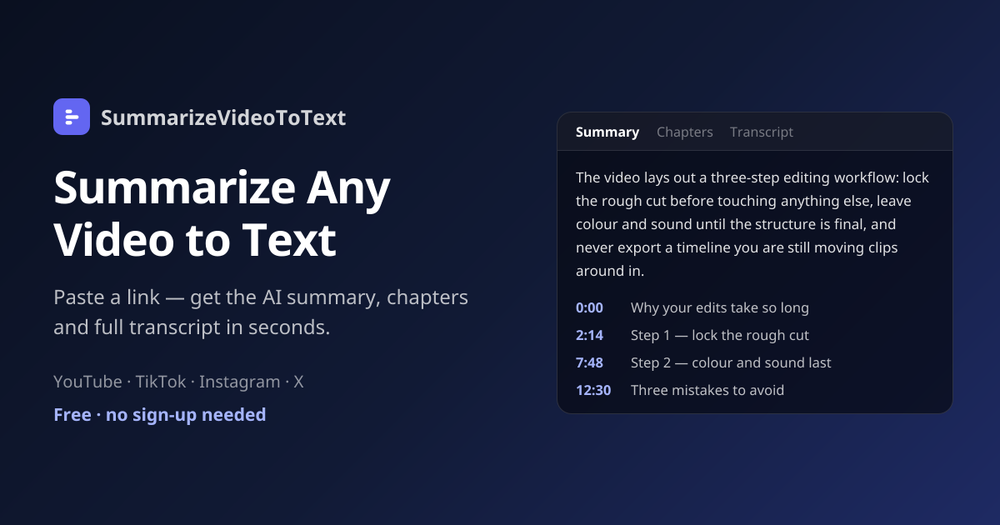
SummarizeVideoToText is a browser-based AI video summarizer that converts the spoken content of a video into a readable, searchable text workspace. Paste a YouTube, TikTok, Instagram or X video link — or upload a video or audio file — and the tool returns a concise summary, timestamped chapters, a full transcript, an interactive mind map and a Q&A panel, all generated from the video's actual captions.
Key capabilities
- Instant transcription — captions are pulled automatically, so there is no audio upload or waiting queue.
- AI summaries and chapters — a concise overview plus chapter-by-chapter breakdowns, each with a timestamp that jumps the player to that moment.
- Mind map and Q&A — explore the video as a collapsible mind map or ask follow-up questions grounded in the transcript.
- Process diagrams — procedural videos get a flowchart rendered by VizText, which can be refined further in chat.
- Exports and integrations — send results to Obsidian or Notion, copy any section, or download the workspace as Markdown.
- 14 output languages — summaries, chapters and key insights can be generated in a language independent of the one spoken in the video.
Who it is for
Students turning recorded lectures into revision notes, professionals skimming meeting recordings and keynotes, creators researching and repurposing content, and researchers mining long interviews and podcasts for citable passages.
How it works
- Paste a public video link (watch, share or embed URLs all work) or upload a file.
- The AI fetches the captions and streams back a summary, key insights and timestamped chapters.
- Read the transcript, browse the mind map, ask questions, export or share the cached result link.
Pricing and limits
The tool is free to try without an account (2 videos per day, up to 15 minutes each). A free Google sign-in raises this to 10 credits a month and videos up to 1 hour, while Pro removes the limit and supports videos up to 6 hours. Revisiting an already-summarized video never counts against the quota because results are cached. A Chrome/Edge extension, an Obsidian plugin and a Notion integration are also available.


