

Overview
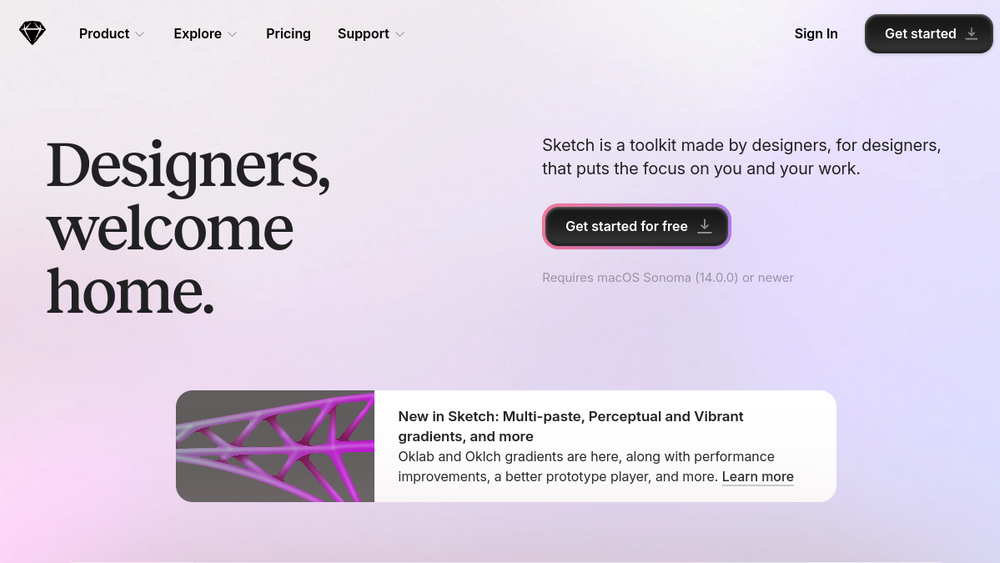
Sketch is a digital design toolkit built for macOS, focused on interface design, prototyping, and collaboration. It provides a vector-based canvas, intuitive tools, and a range of features that support the entire design workflow, from initial concepts to developer handoff. Sketch is positioned as a tool made by designers for designers, aiming to minimize distractions and keep the creative process central.
Sketch fits into the design ecosystem as a dedicated macOS application, complemented by web-based collaboration features. It is designed for individual designers and teams who need a robust, native tool for creating user interfaces, testing interactive prototypes, and sharing work with stakeholders and developers. Its emphasis on a clean, focused workspace and powerful vector editing makes it a staple in many design workflows.
Best for
- UI/UX designers who prefer a native macOS application for their daily design work.
- Freelancers and small teams looking for a straightforward tool to design, prototype, and collaborate without excessive complexity.
- Design teams that need to share components and libraries across projects, ensuring consistency in larger products.
- Professionals who value a distraction-free environment and a tool that integrates smoothly with other macOS apps.
Key capabilities
- Vector editing: Create and edit vector shapes with precision, suitable for icons, illustrations, and UI elements.
- Prototyping: Build interactive prototypes with links, overlays, and Smart Animate, allowing for realistic user flows.
- Collaboration: Share documents and Previews, pin comments, and co-edit in real-time, facilitating team feedback and iteration.
- Component libraries: Create and share reusable components and libraries, with controls for managing updates and permissions.
- Developer handoff: Invite developers to inspect files, download assets, and export design tokens, streamlining the handoff process.
- Workspace management: Organize files, libraries, and drafts in a shared Workspace, with role-based access and guest editing options.
Common workflows
- Designing a mobile app screen: Start with a Frame preset, use stack layouts to arrange elements, and apply vector tools to create custom icons. Use Smart Animate to add transitions between screens.
- Creating a design system: Build a library of components (buttons, inputs, cards) and share it with your team. Use nested symbols and text styles to maintain consistency across projects.
- Prototyping a user flow: Link artboards to create a clickable prototype, add overlays for modals, and set hover or drag interactions. Share the prototype via a Preview link for user testing.
- Collaborating on a design: Invite team members to co-edit a document in real-time, leave comments on specific elements, and resolve threads as decisions are made.
- Handing off to developers: Share a document with developers, who can inspect measurements, export assets in required formats, and access design tokens for implementation.
What to evaluate
- Asset formats: Consider whether the export options (e.g., PNG, SVG, PDF) meet your needs for web, iOS, or Android development.
- Prototyping depth: Evaluate if the prototyping features (Smart Animate, overlays, triggers) are sufficient for your testing requirements, or if you need more advanced animation tools.
- Collaboration model: Assess how real-time co-editing and comment threads fit your team's workflow, and whether the sharing permissions align with your project needs.
- Handoff capabilities: Check if the developer handoff tools (inspect, export, tokens) integrate smoothly with your development stack, and whether they cover all necessary asset types.
- Brand-system workflows: If you maintain a design system, evaluate how component libraries and shared styles handle versioning and updates across multiple projects.
Getting started
- Visit the official Sketch website and download the macOS app. The current version requires macOS Sonoma (14.0.0) or newer.
- Launch Sketch and create a new document. Explore the template gallery or start with a blank canvas to familiarize yourself with the interface.
- Use the built-in tutorials and documentation to learn about key features like Frames, Symbols, and Prototyping. You can also import existing designs or start with a template to accelerate your learning.
Why ToolSift lists it
Sketch is listed under the Design category, with tags including Design Tools, UI Design, Prototyping, and Collaboration. These tags reflect its primary functions as a design tool for user interfaces, its prototyping capabilities, and its collaboration features. The official URL (https://www.sketch.com) was verified as the source for this profile. For more information, visit Sketch's official website.

