

Overview
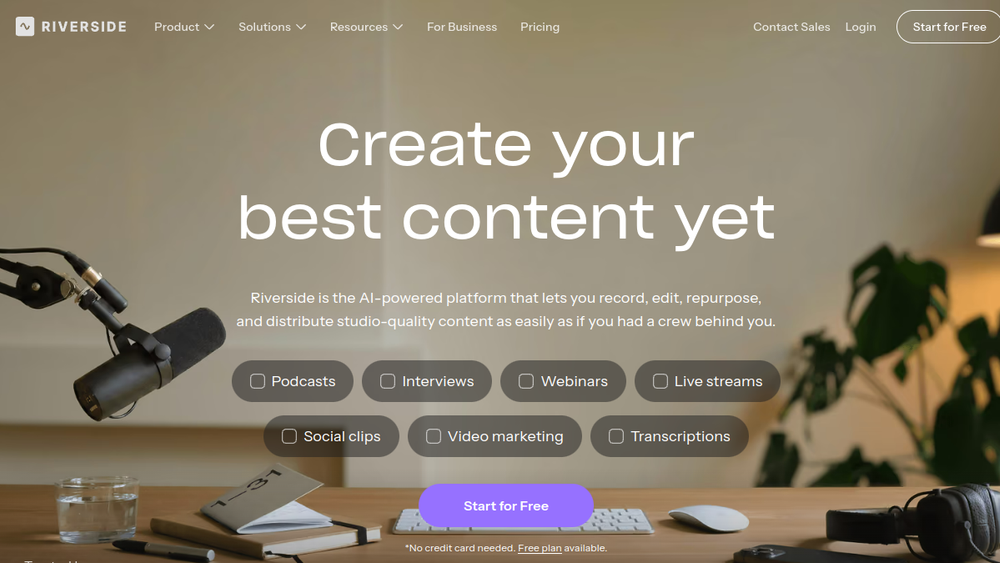
Riverside is a web-based platform designed for recording and editing high-quality audio and video content, particularly podcasts, interviews, webinars, and live streams. It emphasizes local recording to maintain quality regardless of internet connection, capturing separate tracks for each participant. The platform integrates AI-powered features to streamline post-production, including transcription, text-based editing, automatic clip generation, and translation.
Riverside fits into the content creation workflow as an all-in-one solution, covering recording, editing, repurposing, streaming, and publishing. It targets podcasters, video marketers, and businesses that need to produce professional content without requiring a physical studio or extensive technical expertise. By combining recording, editing, and distribution tools, it aims to reduce the complexity and time involved in content production.
Best for
- Podcasters who need reliable remote recording with high-quality audio and video, and who want to edit episodes efficiently.
- Video marketers and content teams creating social media clips, webinars, and live streams that require quick repurposing.
- Businesses and educators producing internal communications, training videos, or virtual events with branding and collaboration needs.
- YouTubers and creators who want to streamline editing with text-based tools and AI assistance.
- Teams that need to collaborate on content production, with features for multi-track editing and shared projects.
Key capabilities
- Local recording: Captures up to 4K video and uncompressed audio in separate tracks, independent of internet stability.
- Text-based editor: Allows editing video by searching, cutting, copying, and pasting in the transcript, simplifying the editing process.
- AI Co-Creator: Generates promotional assets like clips, posts, thumbnails, and headlines from recordings, and can correct speech, remove filler words, and fix eye contact.
- Translation and dubbing: Supports translating and dubbing content into over 30 languages.
- Live streaming: Enables streaming in full HD to multiple platforms simultaneously, with audience interaction features like call-ins and Q&A.
- Podcast hosting: Provides built-in hosting with distribution to major platforms, analytics, and automatic generation of show notes and chapters.
Common workflows
- Remote podcast recording: Schedule a session, invite guests via link, and record locally in high quality. After recording, use the text-based editor to remove mistakes and filler words, then generate show notes and publish directly to podcast platforms.
- Webinar repurposing: Host a live webinar with registration and branding. After the event, use AI to create clips and summaries, then share them on social media or embed in follow-up emails.
- Social media clip creation: Record a longer video, then use the AI Co-Creator to generate short clips optimized for different channels. Customize captions and layouts, then export for posting.
- Video marketing production: Record a product demo or testimonial, edit using the transcript, add branding elements like logos and intros, and export in various formats for use on websites and ads.
- Team collaboration on content: Invite team members to a project, assign roles, and use multi-track editing to refine a recording. Use the teleprompter for scripted segments and the media board to incorporate visuals.
What to evaluate
- Recording quality and reliability: Assess how well the local recording performs in different internet conditions and whether the separate tracks meet your post-production needs.
- Editing precision: Consider the learning curve of the text-based editor and whether it provides the granular control you need for complex edits.
- AI feature accuracy: Evaluate the quality of automatic transcriptions, clip generation, and translation, as these can vary based on audio clarity and language.
- Export and publishing options: Check the available export formats, resolution options, and direct publishing integrations to ensure they align with your distribution strategy.
- Collaboration and workflow fit: Determine if the platform's collaboration features (e.g., shared projects, roles) and overall workflow match your team's size and production process.
Getting started
- Visit the Riverside website and sign up for an account. No credit card is required for the free plan.
- Create a new recording studio, customize your settings (e.g., video quality, branding), and invite guests via a link.
- Start recording, then use the editor and AI tools to refine your content, and export or publish directly from the platform.
Why ToolSift lists it
Riverside is listed under Audio, Video, and Text categories because it handles audio and video recording/editing and provides transcription and text-based editing. Its tags reflect its core functions: Audio Editing, Audio Production, Video Editing, Writing Tools, Podcasting, and Transcription. The official URL (https://riverside.com) was verified as the source for this profile. For more information, visit Riverside's official website.

