

Overview
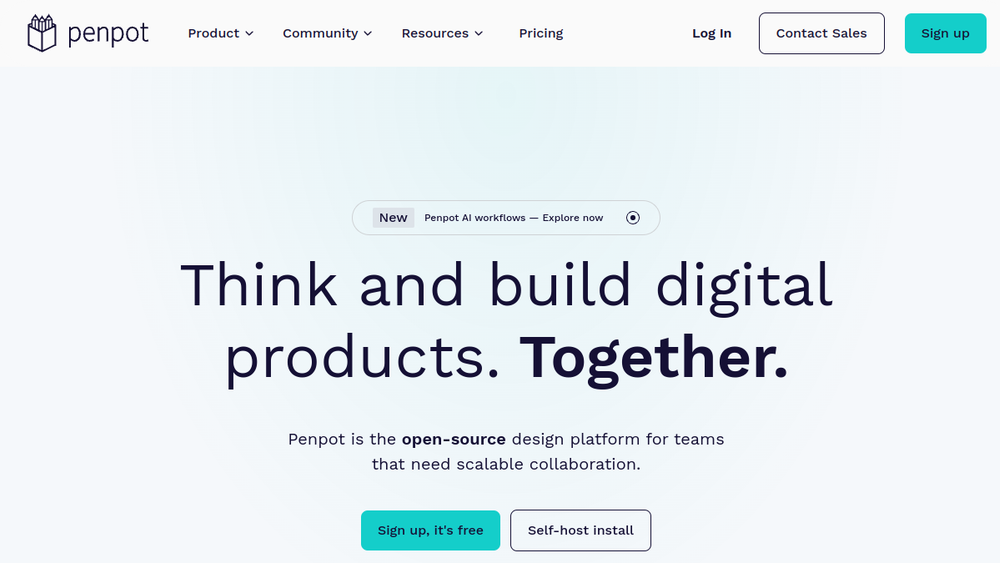
Penpot is an open-source design platform that supports teams in creating digital products. It is positioned as a full-stack design tool, meaning it addresses both the visual design and the technical implementation aspects of product development. The platform is built around the idea of collaboration, aiming to bring designers, developers, and AI agents into a shared workflow.
Penpot fits into the design tool landscape as a free and open-source alternative to proprietary design software. It emphasizes open standards and interoperability, using formats like CSS, HTML, SVG, and JSON. This approach is intended to facilitate smoother handoffs between design and development, as well as to allow integration with various AI tools and workflows.
Best for
- Design teams that prioritize open-source software and want to avoid vendor lock-in.
- Organizations looking for a design platform that supports both UI design and design systems at scale.
- Teams that need to collaborate closely with developers, leveraging code-friendly outputs and open standards.
- Companies exploring AI-assisted design workflows, as Penpot explicitly supports integration with AI agents and LLMs.
- Self-hosters who require control over their design infrastructure and data.
Key capabilities
- UI Design: Penpot enables the creation of responsive and rules-based interfaces, including wireframes and interactive prototypes. It supports CSS Grid and Flex layouts, which are essential for modern web design.
- Design Systems: The platform offers features for building scalable design systems, including design components, native design tokens, and shared libraries. This helps maintain consistency across projects.
- AI Workflows: Penpot is designed to integrate with AI agents, LLMs, and other AI tooling. It supports code-to-design, design-to-code, and design-to-design workflows, allowing for automation and enhanced productivity.
- Code Integration: Penpot provides tools for inspecting and integrating code that matches the design. It uses open standards like CSS, HTML, SVG, and JSON, and has an open file format, making it developer-friendly.
- Collaboration: The platform is built for team collaboration, with features that enable multiple users to work together on designs and design systems.
Common workflows
- Designing a responsive web interface: A designer creates wireframes and then applies CSS Grid and Flex layouts to build a responsive UI. They can generate interactive prototypes to test user flows.
- Building and maintaining a design system: A team sets up shared libraries with components and design tokens. They can reuse these across multiple projects, ensuring consistency and efficiency.
- AI-assisted design-to-code: A developer uses an AI agent integrated with Penpot to convert a design into code. The AI can generate HTML/CSS that matches the design, and the developer can inspect and refine it within Penpot.
- Collaborative design review: Designers and developers work together in real-time, using Penpot's collaboration features to comment, iterate, and finalize designs before handoff.
- Self-hosted deployment for data control: An organization deploys Penpot on its own infrastructure to maintain control over design assets and data, while still benefiting from the platform's collaborative features.
What to evaluate
- Asset formats: Consider whether the platform supports the file formats your team uses (e.g., SVG, PNG, PDF) and how it handles import/export.
- Prototyping depth: Evaluate the interactivity and fidelity of prototypes. Penpot supports interactive prototypes, but the complexity may be limited compared to specialized prototyping tools.
- Collaboration features: Assess real-time collaboration, commenting, and versioning capabilities to ensure they meet your team's needs.
- Handoff and developer workflow: Look at how design specs are communicated to developers, including code inspection, CSS export, and integration with development tools.
- Brand-system management: If you rely on design tokens and component libraries, check how Penpot handles these and whether it aligns with your existing design system practices.
Getting started
- Visit the official Penpot website at https://penpot.app and sign up for a free account or explore self-hosting options.
- Familiarize yourself with the interface by creating a new project and experimenting with basic shapes, text, and frames.
- Explore the documentation and tutorials to learn about advanced features like design tokens, components, and AI integrations.
Why ToolSift lists it
Penpot is listed under the Design category, with tags including Design Tools, UI Design, Prototyping, and Collaboration. These tags reflect its core functionality as a design platform that supports UI design, prototyping, and team collaboration. The official URL (https://penpot.app) was verified as the source for this profile. For more information, visit Penpot's official website.

