

Overview
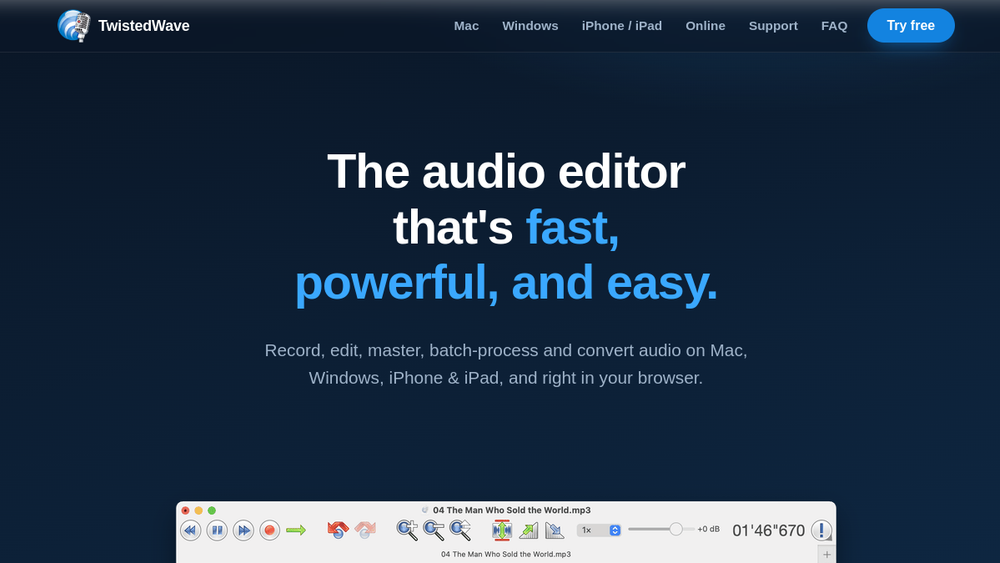
TwistedWave is a versatile audio editor designed for a wide range of audio tasks, from quick recordings to professional mastering. It is available on multiple platforms, including macOS, Windows, iOS, and as a web application, ensuring that users can access their projects from virtually any device. The editor emphasizes speed and ease of use while providing advanced features such as support for Audio Unit and VST plugins, high-resolution audio up to 32-bit/192 kHz, and multichannel editing.
TwistedWave positions itself as a tool for serious audio work, catering to podcasters, voice-over artists, musicians, and audio engineers. Its cross-platform nature and comprehensive feature set make it a practical choice for individuals and teams who need a reliable audio editor that can handle everything from simple edits to complex productions.
Best for
- Podcasters and voice-over artists who need efficient recording and editing tools with speech recognition for script syncing.
- Musicians and producers requiring a powerful editor with plugin support and high-resolution audio capabilities.
- Audio engineers and mastering professionals who need precise editing, batch processing, and format conversion.
- Content creators who work across multiple devices and need a consistent editing experience on desktop, mobile, and web.
- Video editors who need to sync audio edits with video tracks, as TwistedWave supports video playback and automatic frame matching.
Key capabilities
- Cross-platform editing: Available on Mac, Windows, iPhone, iPad, and online, with a consistent interface and feature set.
- Plugin support: Supports Audio Unit (AU) and VST plugins for effects and processing, allowing flexible effect stacks.
- High-resolution audio: Handles up to 32-bit/192 kHz audio and multichannel editing for professional quality.
- Batch processing: Apply effects, fades, and conversions to thousands of files or entire folder hierarchies at once.
- Speech recognition: Automatically recognizes speech in audio files and syncs it with a script, enabling word-level editing.
- Video sync: Opens movie files, plays audio alongside video, and automatically adjusts video frames to match audio edits.
Common workflows
- Podcast editing: Record a podcast episode, use speech recognition to generate a transcript, then edit by selecting words in the script to delete mistakes or long pauses. Add intro/outro music and export as MP3.
- Voice-over production: Record voice-over for a video, sync it with the video track, and use markers to align key points. Apply compression and EQ to enhance clarity, then export the final audio mix.
- Music mastering: Import a stereo mix, apply a chain of VST plugins (EQ, compressor, limiter) in an effect stack, and use real-time preview to fine-tune settings. Export as high-resolution WAV or FLAC.
- Batch format conversion: Convert a large library of audio files from one format to another (e.g., WAV to MP3) using the batch processor, applying normalization and fades as needed.
- Audiobook narration: Record chapters, use speech recognition to align text with audio, and edit out mistakes by selecting words. Apply consistent loudness normalization and export each chapter as a separate file.
What to evaluate
- Recording and editing precision: Assess the ease of making precise selections, zooming, and scrubbing, especially for long recordings.
- Plugin compatibility: Verify that your preferred AU or VST plugins work correctly and that the effect stack meets your processing needs.
- Format support: Check if the import/export formats you require are covered, including common formats like WAV, AIFF, MP3, FLAC, and OGG.
- Export quality: Evaluate the options for sample rate, bit depth, and dithering to ensure they meet your delivery standards.
- Workflow integration: Consider how well the speech recognition and video sync features fit into your existing production pipeline.
Getting started
- Visit the official TwistedWave website and choose your platform (Mac, Windows, iOS, or online).
- Download the desktop app or open the online version directly in your browser.
- Start a new project, import or record audio, and explore the editing tools and effects available.
Why ToolSift lists it
TwistedWave is listed under the Audio category because it is a comprehensive audio editor with recording, editing, and mastering capabilities. Its tags—Audio Editing, Audio Production, Recording—reflect its core functions. The official URL (https://twistedwave.com) was verified as the legitimate source for the product. For more information, visit TwistedWave.

