

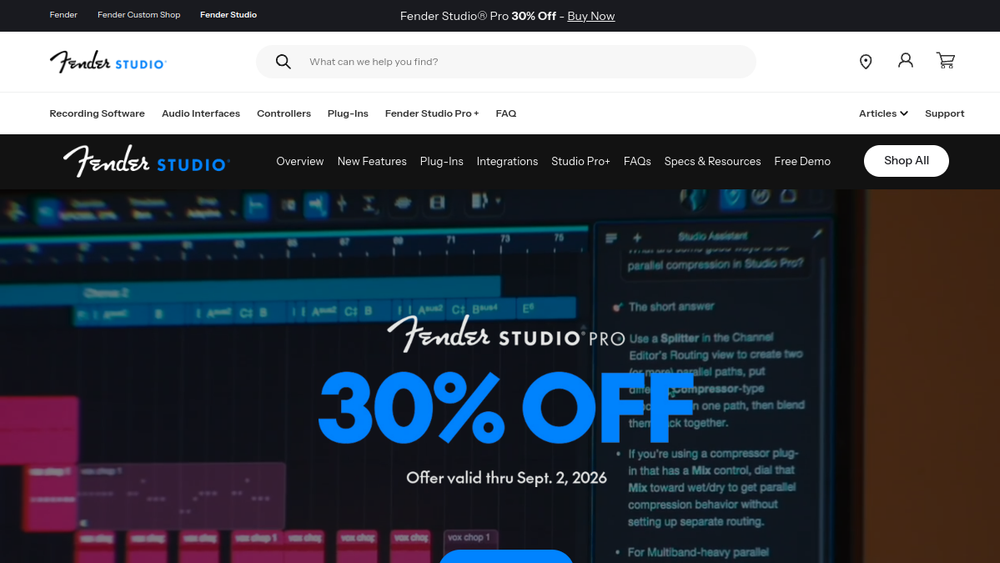
Overview
Studio One Pro is a digital audio workstation (DAW) developed by PreSonus, now under the Fender brand. It provides a comprehensive environment for music creation, from initial recording and composition to final mixing and mastering. The software integrates a range of tools for audio and MIDI editing, virtual instruments, effects, and mixing, aiming to streamline the production workflow.
As a full-featured DAW, Studio One Pro fits into the music production landscape as a versatile option for musicians, producers, and audio engineers. It supports both audio and MIDI tracks, offers a user-friendly interface, and includes features like a built-in browser for managing files and instruments. Its position within the Fender ecosystem suggests a focus on guitarists and songwriters, but its capabilities extend to various genres and production styles.
Best for
- Musicians and songwriters who need a complete production tool for recording and arranging.
- Producers looking for a DAW with integrated virtual instruments and effects.
- Audio engineers seeking a platform for mixing and mastering with professional-grade tools.
- Beginners who want an intuitive interface for learning music production.
- Guitarists and bassists who benefit from Fender's integration and amp modeling.
Key capabilities
- Multi-track audio and MIDI recording with unlimited track count.
- Built-in virtual instruments and effects for sound design and processing.
- Advanced editing tools for audio and MIDI, including time-stretching and pitch correction.
- Mixing console with channel strips, bus routing, and automation.
- Mastering suite with loudness normalization and final export options.
- Project management with drag-and-drop file import and organization.
Common workflows
-
Recording a band: Set up multiple audio tracks for each instrument, record live takes, and use the built-in metronome and click track for timing. Edit comps from multiple takes and apply basic effects like EQ and compression.
-
Producing electronic music: Create MIDI patterns using virtual instruments, program drums with the step sequencer, and arrange patterns into a song structure. Use automation to modulate parameters and add effects like reverb and delay.
-
Mixing a song: Import recorded tracks, balance levels, pan instruments, and apply EQ and dynamics processing. Use bus tracks for parallel compression and group processing, then automate fades and volume changes.
-
Mastering a track: Use the mastering suite to apply final EQ, compression, and limiting. Set loudness targets and export the final master in various formats, including WAV and MP3.
-
Songwriting with loops: Browse and drag loops into the arrangement, use the chord track to experiment with progressions, and record vocals or guitar over the backing. Use the built-in instruments to add melody and harmony.
What to evaluate
- Recording and editing precision: Assess the quality of time-stretching, pitch correction, and audio quantization for your needs.
- Instrument and effect library: Consider the variety and quality of included virtual instruments and effects, and whether they cover your production styles.
- Mixing and mastering tools: Evaluate the flexibility of the mixer, availability of bus routing, and the mastering suite's capabilities.
- Plugin support: Check compatibility with VST, AU, and other plugin formats to ensure your existing tools work.
- Export and collaboration: Review supported export formats and any collaboration features, such as cloud sharing or project exchange.
Getting started
- Download and install Studio One Pro from the official Fender website.
- Launch the software and create a new project, choosing a template or starting from scratch.
- Explore the interface by adding an audio or instrument track, and begin recording or importing audio to start your first project.
Why ToolSift lists it
Studio One Pro is categorized under Music and Audio, with tags including Music Production, DAW, Audio Editing, Audio Production, Recording, and Mixing. These categories and tags reflect its role as a comprehensive digital audio workstation for creating and processing music. The official URL was verified as https://www.fender.com/pages/fender-studio-pro, and ToolSift lists it to help users discover a reliable tool for music production. For more information, visit Studio One Pro.

