

Overview
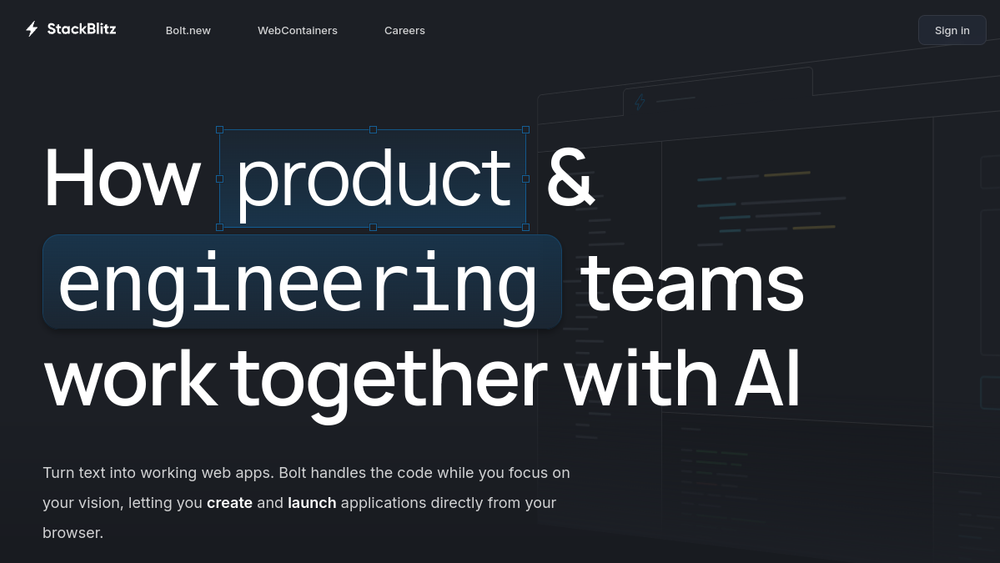
StackBlitz is a browser-based integrated development environment (IDE) designed for web developers. It provides an instant development environment that runs entirely in the browser, eliminating the need for local setup and configuration. By leveraging WebContainers, a WebAssembly-based micro operating system, StackBlitz boots development environments in milliseconds, offering a fast and secure alternative to traditional local development or cloud-based IDEs.
StackBlitz fits into the modern web development workflow by enabling developers to start coding immediately, collaborate in real-time, and even create full-stack applications without leaving the browser. It is particularly useful for frontend and product teams, as well as for educational purposes, where quick setup and sharing are essential.
Best for
- Web developers who want to avoid local environment setup and start coding instantly.
- Frontend teams looking for a collaborative coding environment that runs in the browser.
- Product teams that need to prototype and share working web apps quickly.
- Educators and learners who need a simple, accessible platform for teaching and practicing web development.
- Developers who value security and prefer to run code locally in the browser rather than on remote servers.
Key capabilities
- Instant boot: Development environments start in milliseconds, thanks to WebContainers.
- Browser-based execution: All compute happens inside the browser, providing low latency and offline capabilities.
- Full-stack support: Can run Node.js and other server-side code in the browser, enabling full-stack development.
- Collaboration: Supports real-time collaboration, allowing teams to work together on the same project.
- AI integration: Offers Bolt.new, which turns text into working web apps, streamlining the creation process.
- No local configuration: Eliminates the need for local setup, making it easy to start and share projects.
Common workflows
- Quick prototyping: A developer opens StackBlitz, selects a template, and starts coding immediately. They can preview the app in the browser and share the link with colleagues for feedback.
- Collaborative coding: A team works on a project together, with multiple members editing the same codebase in real-time, seeing changes instantly.
- Learning and teaching: An instructor creates a coding exercise in StackBlitz and shares it with students, who can run and modify the code without installing anything.
- Full-stack development: A developer builds a Node.js backend and a frontend in the same environment, testing the entire application in the browser.
- AI-assisted app creation: Using Bolt.new, a user describes an app idea in text, and the tool generates a working web app that can be further customized.
What to evaluate
- Supported stacks: Consider whether StackBlitz supports the frameworks and languages you use, such as React, Vue, Angular, or Node.js.
- Local vs. cloud workflows: Evaluate how the browser-based approach compares to your current local development setup in terms of performance and features.
- Collaboration features: Assess the real-time collaboration capabilities and whether they meet your team's needs.
- Integrations: Check if StackBlitz integrates with your existing tools, such as GitHub, package managers, or deployment services.
- Deployment and observability: Determine how you can deploy applications built in StackBlitz and whether it offers monitoring or debugging tools.
Getting started
- Visit the StackBlitz website at https://stackblitz.com.
- Click on "Create" or choose a template to start a new project.
- Begin coding in the browser; you can preview your app and share the link with others.
Why ToolSift lists it
StackBlitz is categorized under Development, with tags including Developer Tools, Cloud Development, Code Editors, and Collaboration. These tags reflect its role as a browser-based IDE that supports collaborative and cloud-based development workflows. The official URL was verified as https://stackblitz.com, and the page title and meta description confirm its positioning as an instant dev environment. For more information, visit StackBlitz.

