
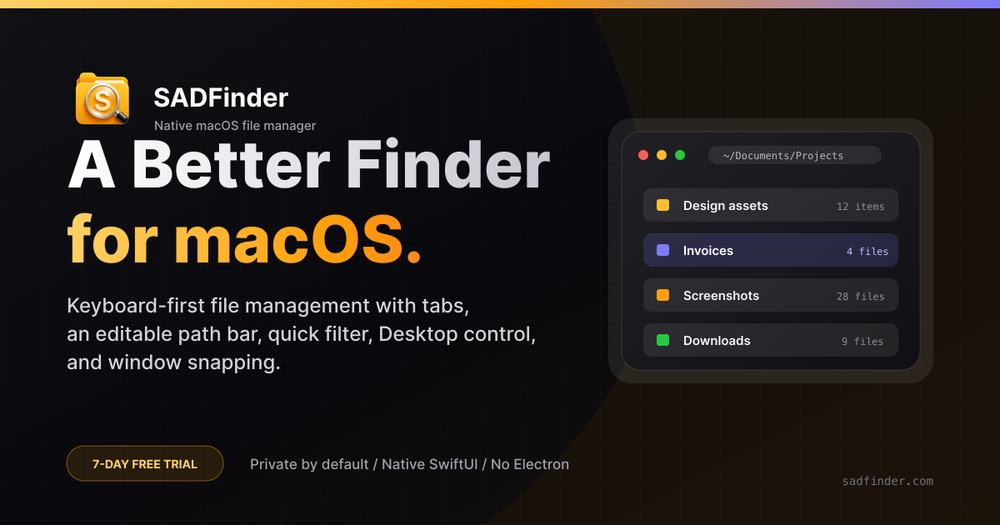
What is SADFinder?
SADFinder is a native macOS file manager built as a faster, more keyboard-friendly replacement for Finder. It keeps the familiar look of macOS while fixing the small daily frustrations that slow people down.
Key features
- Keyboard-first navigation — Enter opens a folder, Delete sends files to the Trash, and Option+Up moves one level up.
- Editable path bar — Click the path bar, type or paste any location, and press Enter to jump there.
- Tabs and cut/paste — Cmd+T opens a new tab, and Cmd+X actually moves files between tabs and windows.
- Built-in window snapping — Halves, quarters, and full screen from the keyboard, with no extra utility needed.
- Quick folder filter — Cmd+Shift+F filters the folder you are already in, without a Spotlight detour.
- Dialog Picker (Beta) — Works with standard Open, Save, and browser upload dialogs.
- Themes and views — Seventeen built-in themes and six view modes, from compact lists to large icons.
- In-app cheat sheet — A full shortcut reference is always one click away.
Pricing
SADFinder is available for $5/month, $29/year, or a $49 lifetime purchase, covering up to 3 Macs. A 7-day free trial is available without a credit card, and there is a 14-day refund on the first purchase.
Who it is for
SADFinder suits Mac users who want faster file navigation, Windows-style keyboard habits, and more control over windows and dialogs without installing several separate utilities.

