

Overview
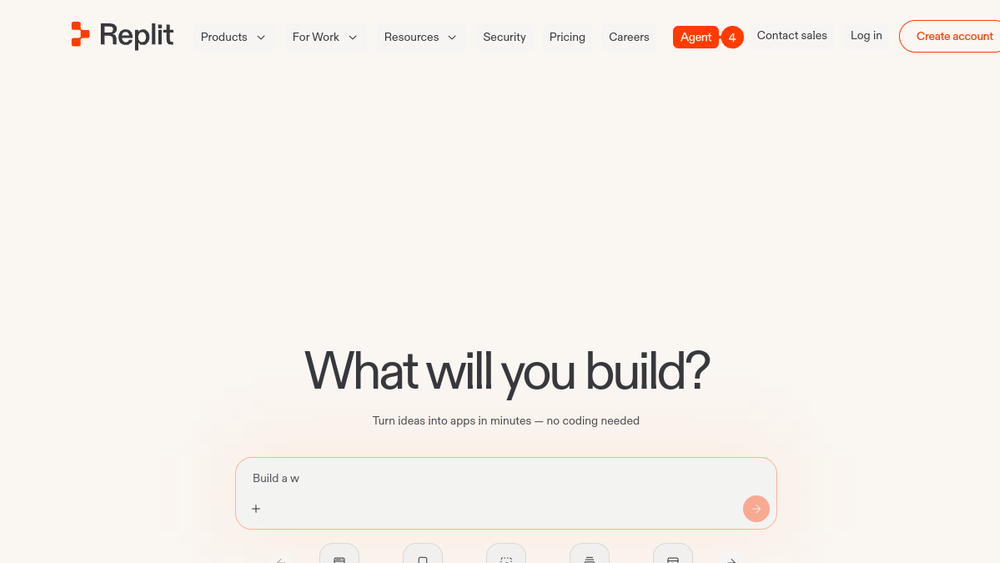
Replit is a cloud-based development environment that enables users to create, test, and deploy applications directly from a web browser. It combines a code editor, hosting, and AI-powered assistance into a single platform, removing the need for local setup and configuration. Replit supports a wide range of programming languages and provides built-in services for authentication, database, and hosting, making it a versatile tool for both beginners and experienced developers.
The platform is designed to streamline the entire development lifecycle, from initial idea to production deployment. With its AI agent, users can describe an app in natural language and have it generated, or they can write code manually and use AI to assist with debugging, refactoring, and feature additions. Replit also emphasizes collaboration, allowing multiple users to work on the same project in real time, and offers features like parallel agents and shared design systems to enhance team productivity.
Best for
- Individual developers who want a quick, browser-based environment to prototype ideas without local setup.
- Teams looking for a collaborative platform to build and deploy apps together, with real-time editing and shared resources.
- Educators and students who need an accessible coding environment for teaching and learning programming.
- Non-technical users who want to turn ideas into functional apps using AI assistance, without writing code from scratch.
- Startups and small businesses that need to rapidly build and iterate on web and mobile applications with minimal infrastructure overhead.
Key capabilities
- AI-powered app generation: Describe an app in natural language, and the AI agent writes production-ready code, evolves it, and handles deployment.
- Full-stack infrastructure: Built-in services for authentication, database, hosting, and monitoring, enabling scalable app development with zero setup.
- Parallel agents: Run multiple AI agents simultaneously to handle different tasks, such as auth, database, and design, while keeping progress visible.
- Collaborative editing: Multiple users can work on the same project in real time, with support for team planning and task coordination.
- Multiple artifacts: Create mobile and web apps, landing pages, and videos in one project with shared design, avoiding context switching.
- Integrations: Connect to AI services and 100+ third-party integrations, including OpenAI, Stripe, and Google Workspace, to enhance app functionality.
Common workflows
- Rapid prototyping: A user describes a simple app idea, such as a to-do list or a landing page, and the AI agent generates a working version in minutes. The user then iterates on the design and functionality using the visual editor.
- Team collaboration: A team uses Replit to plan a project, with members submitting feature requests in any order. The AI agent sequences and executes tasks, while the team reviews progress and merges changes.
- Full-stack development: A developer builds a web app with user authentication and a database, using Replit's built-in services. They deploy the app directly from the platform and monitor its performance.
- Learning and teaching: An instructor uses Replit to create coding exercises for students, who can run and submit code in the browser. The instructor provides feedback and tracks progress.
- AI-assisted debugging: A developer encounters an error in their code and uses the AI agent to diagnose and fix it, saving time on manual troubleshooting.
What to evaluate
- Supported languages and frameworks: Check if Replit supports the programming languages and frameworks you plan to use, as coverage may vary.
- Cloud vs. local workflow: Consider whether a fully cloud-based environment meets your needs, or if you require integration with local development tools.
- Collaboration features: Evaluate the real-time editing, role management, and task coordination capabilities to ensure they fit your team's workflow.
- Integrations: Review the available integrations to see if they cover the services you rely on, such as databases, payment gateways, or AI providers.
- Deployment and scaling: Assess how easy it is to deploy and scale applications, including options for custom domains, regions, and enterprise controls.
Getting started
- Sign up for an account at Replit's website. You can start with a free plan to explore the platform.
- Create a new project by selecting a template or starting from scratch. You can also use the AI agent to generate an app from a description.
- Write or edit code in the browser-based editor, then run and test your app. When ready, deploy it using the built-in hosting services.
Why ToolSift lists it
Replit is listed under the Development category because it provides a comprehensive cloud development environment that combines coding, collaboration, and deployment. Its tags—Developer Tools, Cloud Development, Code Editors, and Collaboration—reflect its core functionalities. The official URL (https://replit.com) was verified as of the profile creation date. For more information, visit Replit.
