Overview
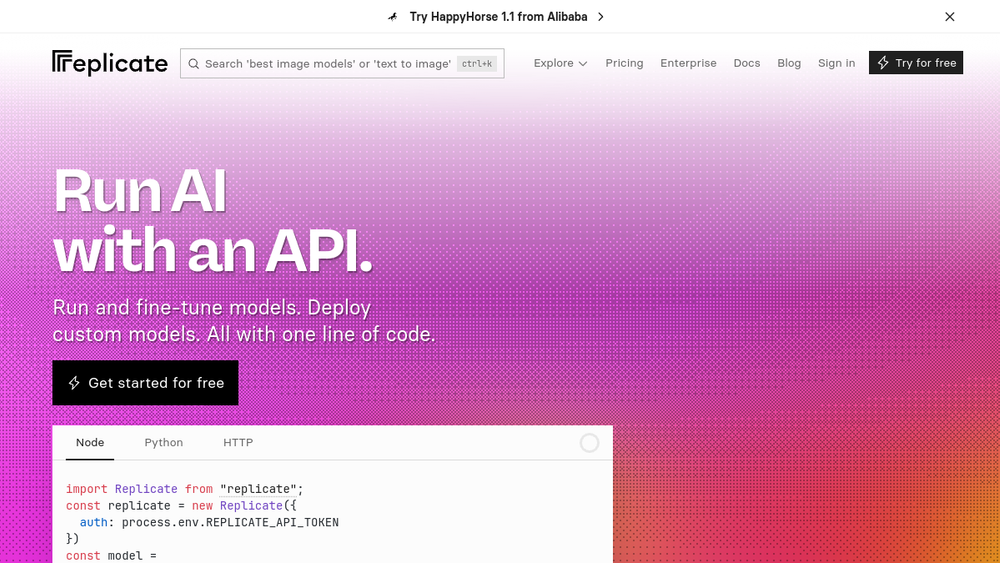
Replicate is a cloud platform that provides a unified API for running open-source machine learning models. It hosts thousands of models contributed by its community, covering image generation, video generation, speech synthesis, music creation, and large language models. The service abstracts away the complexities of model deployment, GPU management, and scaling, allowing developers to integrate AI capabilities into their applications with a single line of code.
Replicate fits into the AI development stack as a managed inference service. It bridges the gap between experimental models and production-ready APIs, making it accessible to developers who may not have deep machine learning expertise. By offering both pre-built models and the ability to deploy custom models, it serves a wide range of use cases from rapid prototyping to large-scale enterprise deployments.
Best for
- Developers who want to quickly integrate AI features like image generation or language processing into their applications without managing infrastructure.
- Teams that need to scale AI workloads dynamically, paying only for the compute they use.
- Machine learning engineers who want to fine-tune existing models with custom data and deploy them as APIs.
- Organizations looking to deploy custom models using open-source tools like Cog, without building their own serving infrastructure.
- Startups and enterprises that require a reliable, production-ready AI API with minimal setup.
Key capabilities
- One-line API access to thousands of models: Replicate provides a simple API to run community-contributed models, with support for multiple programming languages including Python, Node.js, and HTTP requests.
- Model fine-tuning: Users can fine-tune image models like SDXL or FLUX with their own data, creating custom models tailored to specific tasks.
- Custom model deployment: Using Cog, an open-source tool, developers can package and deploy their own machine learning models on Replicate's infrastructure.
- Automatic scaling: Replicate scales compute resources up or down based on traffic, ensuring performance during spikes and zero cost when idle.
- Pay-as-you-go pricing: Billing is based on actual compute time, with transparent per-second rates for different GPU types.
- Logging and monitoring: Built-in metrics and logs allow users to track model performance and debug predictions.
Common workflows
- Generate an image from a text prompt: Use a model like
black-forest-labs/flux-2-provia the API, passing a prompt and optional parameters like aspect ratio and output format, to generate an image in a few seconds. - Fine-tune an image model on custom data: Upload a dataset of images, trigger a training job using a LoRA trainer, and receive a new model version that can be used for personalized generation.
- Deploy a custom model: Write a
predict.pyscript and acog.yamlconfiguration, then use Cog to build and deploy the model to Replicate, exposing it as an API endpoint. - Integrate AI into an application: Use the Replicate client library in your backend to call models for tasks like captioning images, generating speech, or running LLMs, and handle the output in your app.
- Scale a prototype to production: Start with a free trial, test a model, then move to a paid plan to handle increased traffic, relying on automatic scaling to manage demand.
What to evaluate
- Model selection and quality: Assess the variety and performance of models available, and whether they meet your specific use case requirements.
- Pricing model: Understand the per-second compute costs and how they align with your expected usage patterns, especially for high-traffic applications.
- Data privacy and security: Review how your data and model inputs are handled, and whether the platform meets your organization's compliance standards.
- Customization options: Consider the ease of fine-tuning existing models or deploying your own, and the level of control you have over the inference environment.
- Integration and support: Evaluate the client libraries, documentation, and community support to ensure smooth integration into your development workflow.
Getting started
- Sign up for an account at Replicate's website and obtain an API token from your dashboard.
- Install the client library for your preferred language (e.g.,
pip install replicatefor Python) and set your API token as an environment variable. - Run your first model by copying a code snippet from the model's page, such as generating an image with a text prompt, and verify the output.
Why ToolSift lists it
Replicate is categorized under AI and Development because it provides a developer-focused platform for running and deploying AI models. Its tags—Artificial Intelligence, Generative AI, Developer Tools, AI APIs, and Machine Learning—reflect its core functionality. The official URL (https://replicate.com) was verified as the source for this profile. For more information, visit Replicate.