

Overview
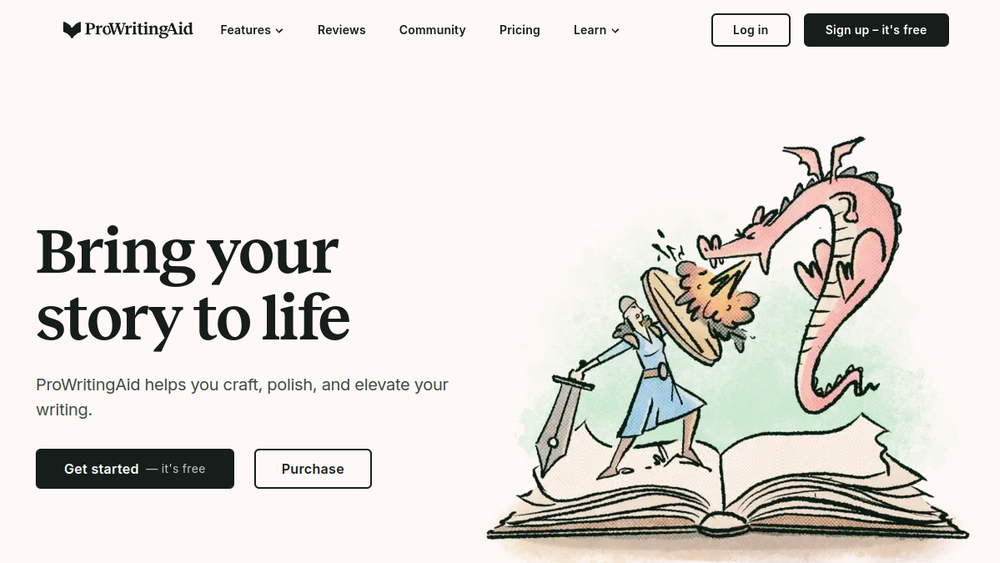
ProWritingAid is a comprehensive writing assistant designed to support writers throughout the entire writing process, from initial planning to final publication. It positions itself as a complete toolkit for storytellers, offering a range of features that address craft development, habit building, and mindset strengthening. The platform integrates with popular writing applications, making it accessible within a writer's preferred environment.
ProWritingAid fits into the writing technology landscape as a multi-faceted tool that goes beyond basic grammar checking. It provides feedback on manuscripts, helps writers build consistent writing routines, and offers guidance on publishing options. By focusing on the writer's journey, it aims to empower users to finish their projects and improve their skills over time.
Best for
- Fiction and nonfiction authors who want a single tool to support their entire writing workflow, from outlining to final edits.
- Writers who struggle with consistency and need tools to help build and maintain a writing habit.
- Authors seeking detailed feedback on their manuscript's style, structure, and readability to strengthen their storytelling.
- Writers who want to improve their craft through actionable insights and educational resources.
- Independent authors preparing their work for self-publishing who need guidance on the publishing process.
Key capabilities
- Planning Tools: Help writers shape their ideas into a structured story before writing begins, providing direction and confidence.
- Writing Tools: Support consistent writing routines with features designed to keep writers motivated and on track.
- Story Critique: Analyzes manuscripts to identify elements that may be holding the story back, aiding in revision.
- Line Editing Tools: Polish writing for clarity, engagement, and intentionality, sharpening the writer's editorial eye.
- Publishing Tools: Assist in navigating publishing options and positioning work for release.
- Integrations: Accessible within popular writing apps, allowing seamless use in the writer's preferred environment.
Common workflows
- Planning a novel: Use the Planning Tools to outline characters, plot points, and settings before writing the first draft, ensuring a clear direction.
- Daily writing sessions: Leverage Writing Tools to set goals, track progress, and maintain momentum, building a consistent writing habit.
- Revising a manuscript: Run Story Critique to receive feedback on pacing, structure, and other story elements, then use Line Editing Tools to refine prose.
- Preparing for publication: Use Publishing Tools to explore options like self-publishing or traditional routes, and format the manuscript accordingly.
- Improving writing skills: Review feedback from the tool to learn about common mistakes and areas for improvement, integrating lessons into future writing.
What to evaluate
- Writing stage fit: Consider whether the tool's features align with your current stage—planning, drafting, editing, or publishing—and if it can adapt as your needs evolve.
- Tone and style control: Assess how well the tool's suggestions respect your unique voice and whether you can customize feedback to match your preferred style.
- Language support: If you write in languages other than English, verify that the tool offers adequate support for your language and dialect.
- Editing transparency: Evaluate how clearly the tool explains its suggestions, allowing you to understand the reasoning and make informed decisions.
- Privacy and data handling: Review the tool's privacy policy to understand how your manuscripts and personal data are stored and used.
- Export workflow: Check whether the tool supports exporting your work in formats compatible with your publishing or submission needs.
Getting started
- Visit the ProWritingAid website and create an account to access the tool.
- Choose your preferred integration (e.g., web editor, desktop app, or browser extension) and install or open it.
- Start a new project or import an existing manuscript to begin using the planning, writing, and editing features.
Why ToolSift lists it
ProWritingAid is listed under the Text category with tags Writing Tools, Grammar Checker, and Content Writing because it serves as a versatile writing assistant that covers grammar checking, content creation, and broader writing support. The official URL (https://prowritingaid.com) was verified as the canonical source for the product. For more information, visit ProWritingAid.

