

Overview
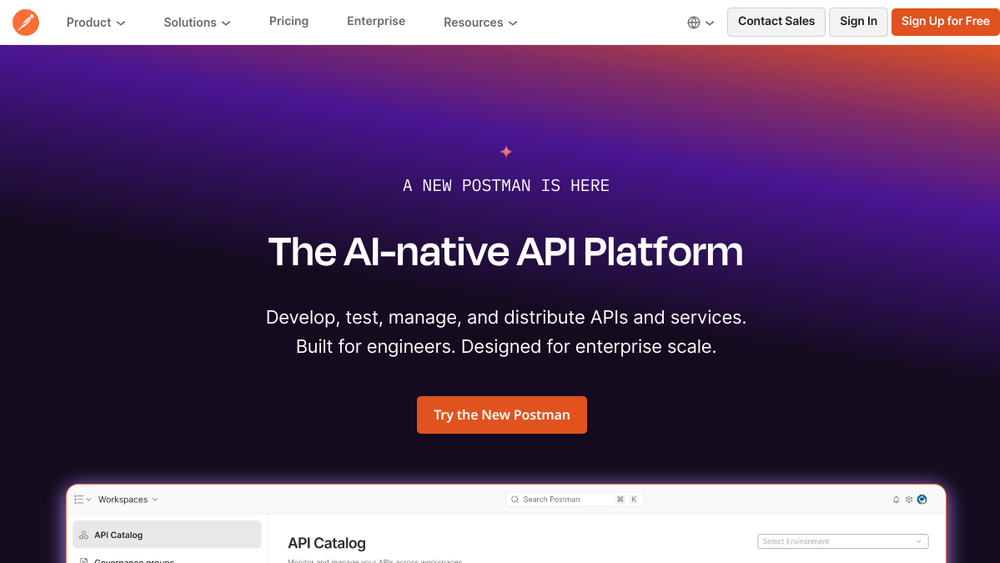
Postman is a comprehensive API platform that supports the entire API lifecycle, from design and development to testing, monitoring, and distribution. It provides a unified environment where developers can create, share, and manage APIs, along with the tools needed to test and document them. The platform is widely used by individual developers, teams, and enterprises to streamline API workflows and improve collaboration.
Postman fits into the development toolchain as a central hub for API-related activities. It offers a graphical interface for sending requests, inspecting responses, and organizing API collections, making it accessible to both beginners and experienced developers. With features like environment management, automated testing, and integration with CI/CD pipelines, Postman helps teams maintain consistent and reliable APIs.
Best for
- Developers who need a user-friendly tool for testing and debugging REST, GraphQL, and other API types.
- Teams that require a shared workspace to collaborate on API design, development, and documentation.
- Organizations looking to standardize API testing and monitoring across multiple projects.
- Developers who want to automate API tests as part of their continuous integration and delivery workflows.
- API product managers and technical writers who need to create and maintain API documentation.
Key capabilities
- API Client: Send requests to any HTTP endpoint, inspect responses, and debug APIs with a rich interface.
- Collections: Organize API requests into reusable groups that can be shared and run with a single click.
- Environment Management: Define variables for different environments (e.g., development, staging, production) to switch contexts easily.
- Automated Testing: Write and run tests using JavaScript, and integrate them into CI/CD pipelines via the command line or Newman.
- Collaboration: Share collections, workspaces, and documentation with team members, with role-based access controls.
- Documentation: Generate and publish API documentation directly from collections, keeping it in sync with the API.
Common workflows
- API Exploration: Use the API client to manually send requests to an API, inspect responses, and verify behavior during development.
- Test Automation: Write test scripts in collections, then run them locally or in CI using Newman to validate API changes.
- Team Collaboration: Create a shared workspace, invite team members, and use collections and environments to coordinate API development.
- Documentation Generation: Build a collection with detailed descriptions and examples, then publish it as live documentation for consumers.
- Monitoring: Set up monitors to run collections on a schedule, checking API uptime and performance, and receive alerts on failures.
What to evaluate
- Supported API types: Confirm that Postman supports the protocols and formats your team uses (e.g., REST, GraphQL, WebSocket).
- Collaboration features: Assess how well the workspace and sharing capabilities fit your team's size and workflow.
- Integration options: Consider how Postman integrates with your existing CI/CD tools, version control, and other development services.
- Deployment model: Determine whether the cloud-based platform meets your needs or if you require an on-premises solution for security or compliance reasons.
- Pricing and scalability: Review the pricing tiers and whether they align with your team's usage and budget, especially for larger teams or enterprise needs.
Getting started
- Sign up for a free account at the official Postman website.
- Create a new collection and add a request to an API endpoint you want to test.
- Explore the interface by sending requests, inspecting responses, and trying out features like environments and tests.
Why ToolSift lists it
Postman is categorized under Development, with tags for Developer Tools, API Development, and API Testing, reflecting its core role in the API lifecycle. The official URL (https://www.postman.com) was verified as the authoritative source for the platform. For more information, visit Postman's official website.
