

Overview
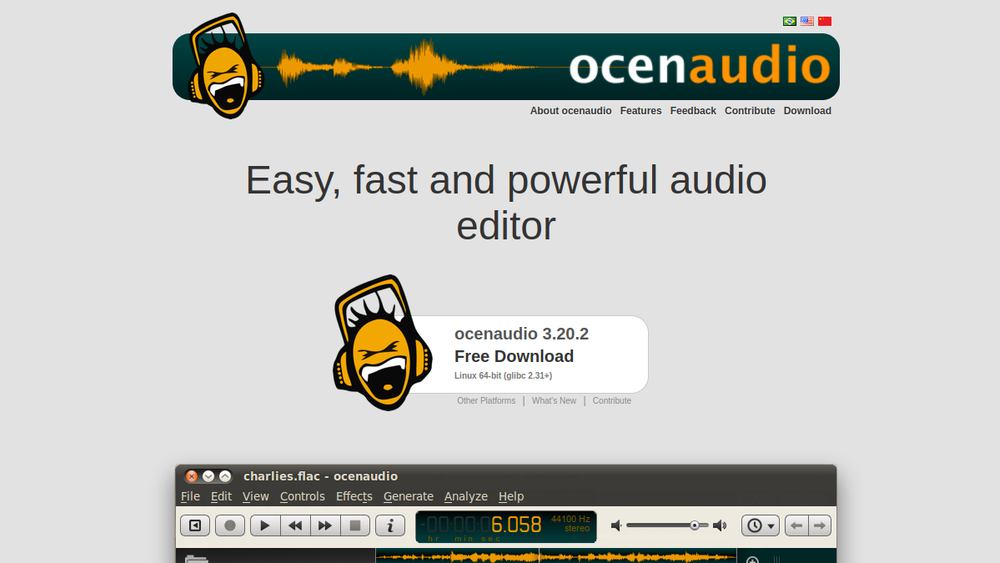
ocenaudio is a cross-platform audio editor that prioritizes ease of use, speed, and functionality. It is designed to provide a straightforward yet powerful editing experience for users who need to record, edit, and process audio without the complexity of professional-grade DAWs. The software is available for multiple operating systems, making it accessible to a wide range of users.
As a lightweight tool, ocenaudio fits into the workflow of podcasters, musicians, educators, and hobbyists who require reliable audio editing capabilities. Its interface is intuitive, allowing users to quickly load audio files, apply effects, and export finished projects. While it may not offer the extensive feature set of advanced digital audio workstations, it serves as a practical solution for everyday audio tasks.
Best for
- Podcasters who need to edit recordings, remove mistakes, and enhance audio quality.
- Musicians and home studio enthusiasts looking for a simple tool for recording and basic mixing.
- Educators and students who require a free or low-cost audio editor for projects and assignments.
- Content creators who need to trim, cut, and apply effects to audio for videos or online content.
- Users seeking a cross-platform audio editor that works on Windows, macOS, and Linux.
Key capabilities
- Cross-platform support: Available on Windows, macOS, and Linux, ensuring broad accessibility.
- Real-time preview: Allows users to hear changes as they apply effects, improving workflow efficiency.
- Multi-selection editing: Enables simultaneous editing of multiple audio segments, saving time on repetitive tasks.
- Spectrogram view: Provides a visual representation of audio frequencies, aiding in precise editing and analysis.
- VST plugin support: Allows integration of third-party virtual studio technology plugins for expanded effects and processing.
- Built-in effects: Includes a range of standard effects like equalization, reverb, and noise reduction.
Common workflows
- Podcast editing: Import a recorded podcast episode, use the spectrogram to identify and remove long pauses, apply noise reduction to clean up background hum, and export as MP3.
- Music recording: Record a vocal or instrument track, apply effects like compression and reverb, and mix with other tracks using the multi-track view.
- Audio restoration: Open an old recording, use the spectral editing tools to remove clicks and pops, and enhance clarity with equalization.
- Sound design: Create custom sound effects by cutting and layering audio clips, applying filters, and adjusting pitch and speed.
- Batch processing: Use the batch processing feature to apply the same effect to multiple files, such as normalizing volume across a set of recordings.
What to evaluate
- Recording capabilities: Assess the quality and reliability of the built-in recording feature, including support for multiple input sources and sample rates.
- Editing precision: Consider the tools available for fine-grained editing, such as zooming, selection, and spectral editing, to ensure they meet your needs.
- Effects and processing: Evaluate the range and quality of built-in effects, as well as the ability to use VST plugins for additional processing.
- File format support: Check which audio formats are supported for import and export, ensuring compatibility with your workflow.
- Performance and stability: Test the software with large files or complex projects to see how it handles resource usage and whether it crashes or lags.
Getting started
- Visit the official ocenaudio website and download the installer for your operating system.
- Install the software by following the on-screen instructions, then launch it.
- Open an audio file or start a new recording, and explore the interface to begin editing.
Why ToolSift lists it
ocenaudio is listed under the Audio category with tags for Audio Editing, Audio Production, and Recording because it is a versatile tool that supports these core activities. The official URL was verified as https://www.ocenaudio.com, and the product's description aligns with its positioning as an easy-to-use, fast, and functional audio editor. For more information, visit ocenaudio.

