

Overview
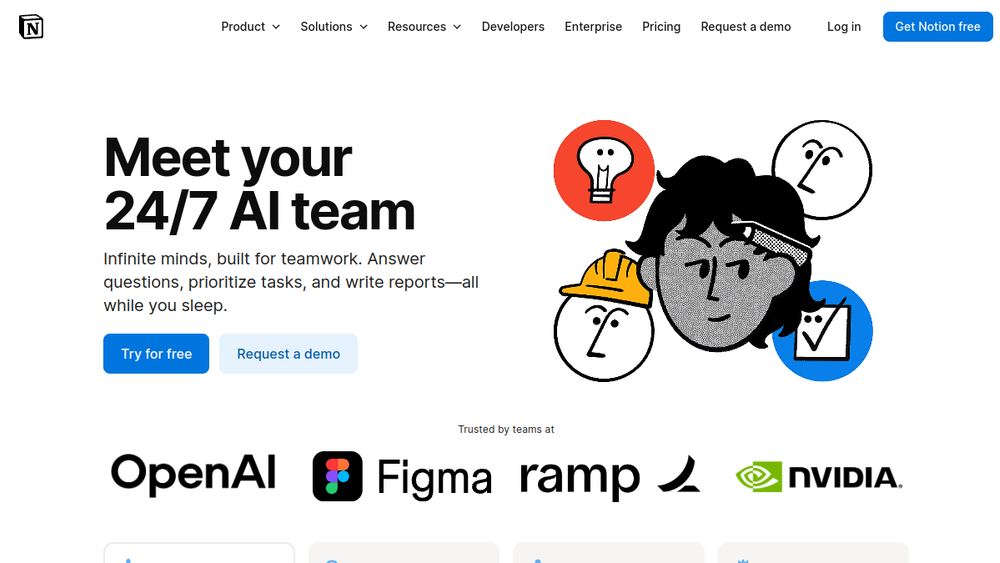
Notion AI is a suite of artificial intelligence features embedded directly within the Notion workspace. It extends Notion's core functionality by allowing users to generate text, analyze content, search across connected apps, and interact with AI agents—all without leaving the platform. The tool is designed to streamline workflows by reducing context switching and automating repetitive tasks.
As an integrated feature, Notion AI operates where teams already collaborate, making it a natural addition for organizations that rely on Notion for documentation, project management, and knowledge sharing. It offers a range of capabilities, from simple drafting assistance to complex multi-step automation, positioning it as a versatile assistant for both individual and team use.
Best for
- Teams already using Notion who want to enhance productivity with AI without adopting a separate tool.
- Knowledge workers who need quick answers from their workspace and connected apps like Slack or Google Drive.
- Project managers and operations teams looking to automate recurring tasks such as status updates or meeting notes.
- Writers and content creators seeking drafting, editing, and summarization assistance within their existing documentation workflow.
- Enterprises requiring AI features with governance, security, and compliance controls.
Key capabilities
- AI blocks for writing: Generate, edit, and summarize text directly in pages and documents.
- Notion Agent: A conversational AI that can perform multi-step tasks, such as creating pages, updating databases, and taking actions based on workspace context.
- Custom Agents: Automate recurring workflows with triggers or schedules, allowing the AI to work 24/7 on tasks like answering questions or routing information.
- Enterprise Search: Search across Notion and connected apps like Slack, Google Drive, and GitHub to find answers quickly.
- AI Meeting Notes: Automatically transcribe, summarize, and extract action items from meetings, integrated into Notion.
- Autofill and formula generation: Populate database properties and write formulas to streamline data management.
Common workflows
- Drafting and refining documents: Use AI blocks to generate initial drafts, rewrite sections for clarity, or summarize long reports directly in Notion pages.
- Automating meeting follow-ups: With AI Meeting Notes, capture meeting recordings, generate summaries, and create action items that are automatically added to project databases.
- Answering team questions: Set up a Custom Agent that monitors a Slack channel and responds to common queries using context from Notion, reducing repetitive questions for team leads.
- Research and analysis: Use Enterprise Search to pull information from multiple connected apps, then ask Notion AI to synthesize findings into a structured report.
- Database management: Autofill properties in databases, generate formulas for calculations, and use AI to categorize or tag entries based on content.
What to evaluate
- Writing quality and tone: Assess whether the AI's output matches your team's preferred style and whether you can adjust tone or voice effectively.
- Data privacy and security: Review how your data is handled, including encryption, retention policies, and whether your organization's compliance requirements are met.
- Integration scope: Verify which third-party apps are supported for Enterprise Search and whether they align with your existing tool stack.
- Cost and usage limits: Understand how pricing works, especially for Custom Agents that consume credits, and whether the included usage meets your team's needs.
- Learning curve: Consider how easily team members can adopt AI features and whether training or documentation is sufficient.
Getting started
- Access Notion AI: If you have a Notion workspace, check your plan to see if AI features are included or available for trial. Navigate to any page to find AI options in the toolbar or command menu.
- Explore core features: Start with simple tasks like generating a draft or summarizing a page. Use the AI chat to ask questions about your workspace content.
- Set up a Custom Agent: For automation, create a Custom Agent by defining a trigger (e.g., a schedule or a Slack message) and specifying the task it should perform. Test it with a small scope before scaling.
Why ToolSift lists it
Notion AI is categorized under Text because its primary functions involve generating and processing written content. It is tagged with Writing Tools, Content Writing, and Generative AI to reflect its capabilities in drafting, editing, and content creation. The official URL (https://www.notion.com/product/ai) was verified as the product's dedicated page. ToolSift includes Notion AI because it represents a significant integration of generative AI into a widely used productivity platform, offering practical value for teams seeking to enhance their documentation and collaboration workflows. Visit Notion AI


