

Overview
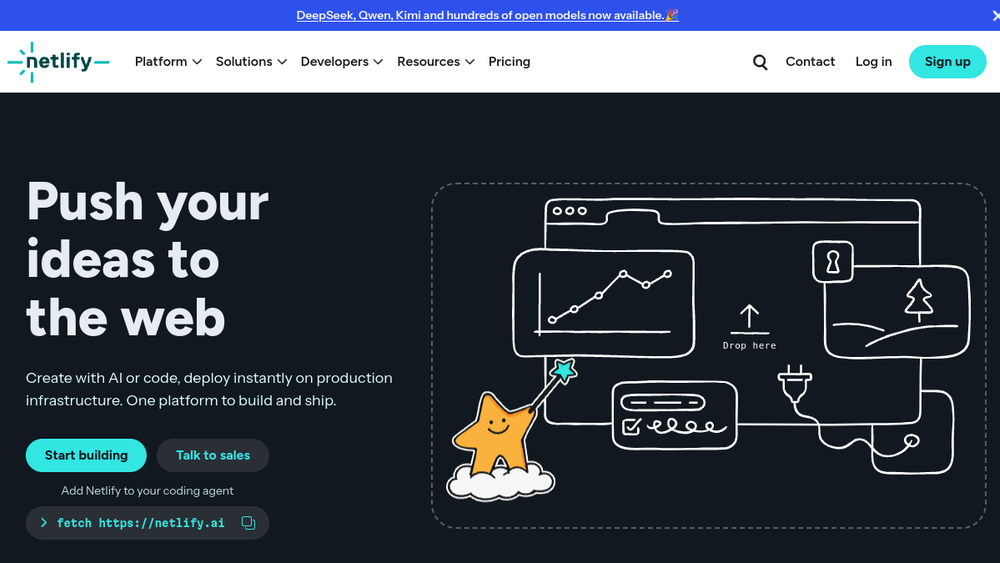
Netlify is a cloud platform designed to streamline the development and deployment of modern web applications. It provides a unified workflow that starts with code or AI prompts, automates builds, and delivers sites and apps through a global content delivery network (CDN). The platform is positioned as a one-stop solution for developers and teams who want to move from idea to production quickly, without managing underlying infrastructure.
Netlify fits into the development lifecycle by connecting directly to Git repositories, enabling continuous deployment with automatic previews for every pull request. It also offers serverless functions, edge computing, and built-in identity and database services, making it suitable for full-stack applications. The platform targets a broad audience, from individual developers and startups to large enterprises, supporting various use cases such as marketing sites, ecommerce, and internal tools.
Best for
- Developers and teams using Git-based workflows who want automated builds and deployments.
- Frontend developers building static sites or JAMstack applications who need serverless functions and edge capabilities.
- Product teams iterating quickly with AI agents, requiring preview environments and easy rollbacks.
- Organizations deploying marketing sites, ecommerce storefronts, or internal tools that need global performance and scalability.
- Agencies and freelancers managing multiple client projects with a need for simple, repeatable deployment processes.
Key capabilities
- Deploy from Git, CLI, or drag-and-drop: Netlify supports multiple deployment methods, including auto-deploy on every push, CLI commands, and a drag-and-drop interface for quick uploads.
- Global edge network: Sites are served from a CDN with points of presence worldwide, providing low latency and high availability (99.99% uptime claimed).
- Serverless functions: Allows running backend logic without managing servers, with support for API endpoints and background jobs.
- AI Gateway: Provides a unified interface to connect applications to various AI models, enabling AI features like content generation and image processing.
- Deploy Previews: Every pull request gets a unique preview URL, allowing teams to review changes before merging.
- Built-in identity and database: Includes authentication services and managed Postgres, reducing the need for external services.
Common workflows
- Git-based deployment: Connect a GitHub, GitLab, or Bitbucket repository to Netlify. On every push, Netlify builds the site and deploys it to a unique URL. Pull requests generate preview deployments for testing.
- AI-assisted development: Use an AI agent to generate code or content, then deploy directly from the agent or via the dashboard. Netlify provides agent-ready primitives like serverless functions and AI Gateway to integrate AI features.
- Full-stack application development: Build a frontend with a framework like React or Vue, add serverless functions for API endpoints, and use Netlify Database for data persistence. Deploy the entire stack to the edge.
- Marketing site optimization: Use Netlify's Image CDN to optimize images on the fly, and leverage forms for lead capture without backend code. Deploy landing pages quickly and iterate with previews.
- Internal tool creation: Build dashboards and internal apps using serverless functions to connect to internal APIs, and manage access with built-in authentication and permissions.
What to evaluate
- Supported stacks: Consider whether Netlify supports your preferred frontend frameworks, static site generators, and programming languages for serverless functions.
- Local vs. cloud workflows: Evaluate how Netlify's CLI and local development environment integrate with your existing workflow, and whether cloud-based features like AI agents fit your team's process.
- Collaboration and access control: Assess the granularity of team permissions, environment variable management, and whether the platform supports your team's size and governance needs.
- Integrations: Check the availability of integrations with your existing tools, such as CMSs, analytics, or monitoring services, and whether they are officially supported.
- Deployment and observability: Review the ease of rollbacks, deployment history, and the depth of logs and analytics provided for debugging and performance monitoring.
Getting started
- Sign up for a Netlify account at netlify.com and choose a deployment method: connect a Git repository, use the CLI, or drag and drop a project folder.
- Deploy your first site: If using Git, link your repository and configure build settings. For a quick start, use the drag-and-drop option to upload a static folder.
- Explore platform features: Once deployed, experiment with serverless functions, environment variables, and deploy previews by making changes and pushing to your repository.
Why ToolSift lists it
Netlify is categorized under Development, with tags Developer Tools, Deployment, and DevOps, because it provides essential infrastructure for building, deploying, and managing web applications. The official URL was verified as https://www.netlify.com, and the platform's capabilities align with these categories by offering continuous deployment, serverless computing, and edge delivery. For more information, visit Netlify's official website.
