Overview
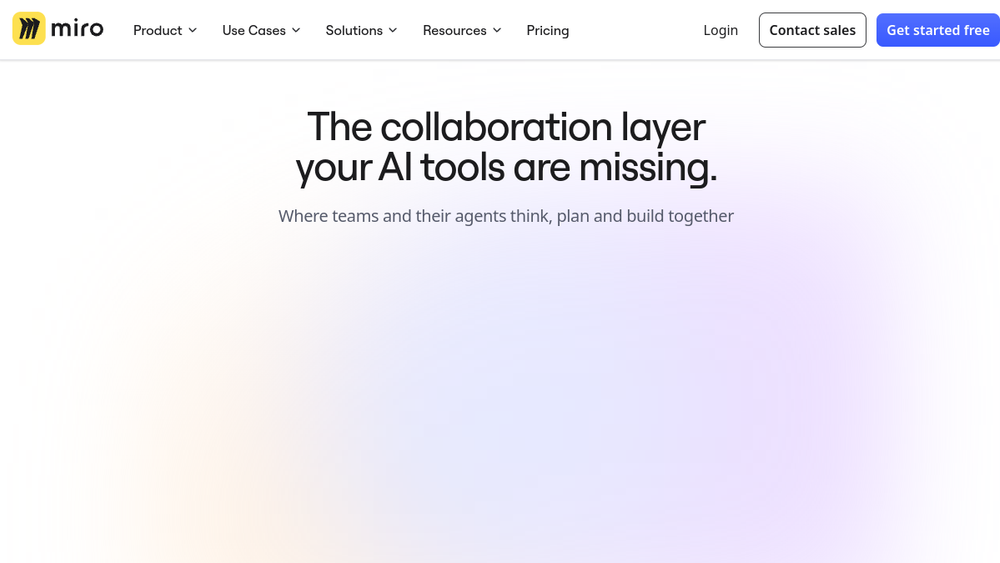
Miro is a visual collaboration platform designed to help teams work together on an infinite canvas. It combines whiteboarding, diagramming, and project planning tools with AI-powered features to support product development from ideation to launch. The platform is used by over 100 million people and integrates with more than 250 apps, making it a central hub for cross-functional teamwork.
Miro positions itself as an "AI Innovation Workspace," emphasizing the ability to bring AI tools and human collaboration together. It aims to break down tool silos by providing a shared space where teams can align on research, roadmaps, diagrams, and workshops. The platform is built to support both synchronous and asynchronous collaboration, enabling distributed teams to work effectively.
Best for
- Product teams looking to streamline research, planning, and execution in one visual workspace.
- Design teams that need a collaborative canvas for brainstorming, wireframing, and user journey mapping.
- Remote or hybrid teams that require a shared space for workshops, retrospectives, and planning sessions.
- Organizations seeking to integrate AI tools into their workflow for faster decision-making and idea generation.
- Teams that need to connect their existing tools (e.g., project management, communication) into a single visual context.
Key capabilities
- Infinite Canvas: A scalable, multiplayer canvas that allows teams to create and organize content freely.
- AI-Powered Features: AI tools that assist with summarizing research, generating ideas, and automating workflows.
- Formats: Support for Docs, Tables, Slides, and Diagrams, enabling structured output from freeform brainstorming.
- Templates: Over 6,000 templates for various use cases, including workshops, roadmaps, and diagrams.
- Integrations: Connects with 250+ apps, such as Claude and NotebookLM, to pull in research and other data.
- Enterprise Security: A platform designed for enterprise-grade security and scalability.
Common workflows
- Research Synthesis: Teams pull outputs from research tools like Claude or NotebookLM into a Miro canvas, review findings together, and commit to a direction. Insights are then flowed back to roadmaps or specs.
- Roadmap Planning: Product teams use Miro to create visual roadmaps, align on priorities, and track progress. The canvas allows for easy updates and stakeholder feedback.
- Workshop Facilitation: Facilitators use Miro's templates and collaboration features to run interactive workshops, from brainstorming to retrospective, with remote participants.
- Diagram Creation: Teams create flowcharts, system diagrams, and user flows using Miro's diagramming tools, which can be shared and edited in real time.
- AI-Assisted Ideation: Using Miro AI, teams can generate ideas, summarize discussions, and automate repetitive tasks, speeding up the planning process.
What to evaluate
- Asset Formats: Consider whether Miro's support for docs, tables, and slides meets your team's needs for structured output.
- Prototyping Depth: If you need high-fidelity prototyping, evaluate Miro's capabilities versus specialized design tools.
- Collaboration Features: Assess how real-time collaboration, comments, and permissions work for your team size and remote setup.
- Handoff and Export: Check how easily you can export or hand off work to other tools, such as project management or development platforms.
- Brand-System Workflows: If you rely on strict brand guidelines, evaluate how Miro handles brand assets and consistency.
Getting started
- Visit the Miro website and sign up for an account.
- Explore the template library to find a starting point for your use case.
- Invite team members to your board and begin collaborating in real time.
Why ToolSift lists it
Miro is listed under the Design category because it is a core tool for visual collaboration and design thinking. Its tags—Design Tools, Whiteboarding, Collaboration—reflect its primary functions. The official URL (https://miro.com) was verified as the correct source. For more information, visit Miro.