

Overview
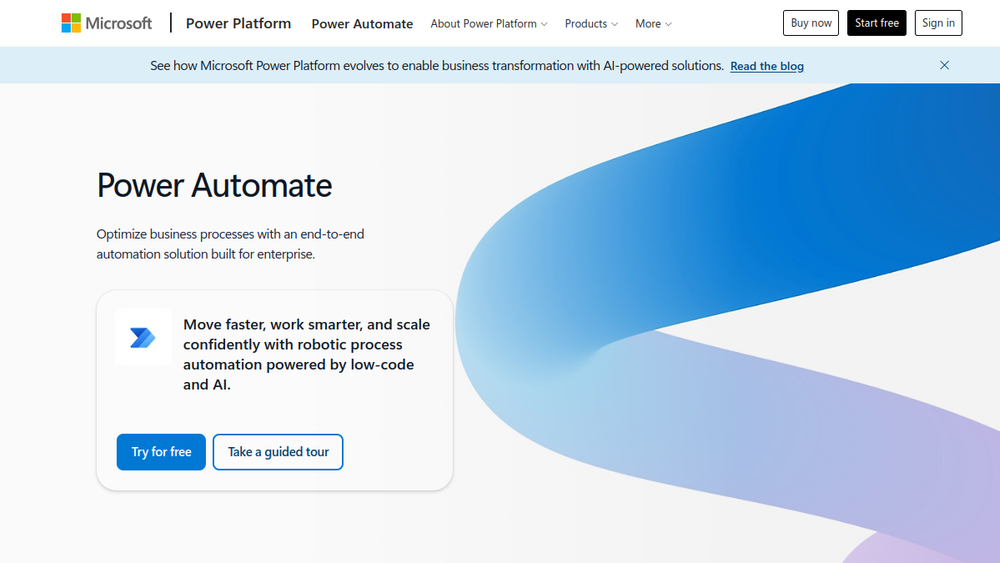
Microsoft Power Automate is a cloud-based service within the Microsoft Power Platform that enables users to automate workflows and business processes across a wide range of applications, systems, and websites. It combines digital process automation (DPA) for cloud-based tasks, robotic process automation (RPA) for desktop and legacy systems, and AI capabilities to streamline operations. Power Automate is designed for both technical and non-technical users, offering a low-code environment where workflows can be built using prebuilt templates, drag-and-drop tools, and natural language instructions via Copilot.
The platform integrates natively with Microsoft 365 applications such as Teams, Excel, and SharePoint, and provides over 1,400 prebuilt connectors to popular services like Dynamics 365, SAP, and Salesforce. It also supports custom connectors for proprietary systems. Power Automate is positioned as an enterprise-grade solution, with features for governance, security, and scalability, including Managed Environments and data loss prevention policies. It is suitable for organizations looking to automate repetitive tasks, streamline approvals, and improve operational efficiency.
Best for
- Business users and process owners who need to automate workflows without deep coding expertise.
- IT teams seeking to integrate and orchestrate automation across cloud and on-premises systems.
- Organizations heavily invested in the Microsoft ecosystem, leveraging Microsoft 365 and Power Platform.
- Enterprises requiring scalable, governed automation with robust security and compliance controls.
- Teams looking to combine AI, RPA, and DPA to optimize end-to-end business processes.
Key capabilities
- AI-powered automation: Use Copilot to create, edit, and extend flows using natural language, and leverage built-in AI models for document processing, prediction, and analysis.
- Cloud and desktop flows: Automate cloud-based apps and services (DPA) and legacy desktop applications (RPA) with attended or unattended execution.
- Extensive connector library: Access more than 1,400 prebuilt connectors to popular services, or build custom connectors for any cloud application.
- Process and task mining: Identify automation opportunities and measure process performance with data-driven insights.
- Governance and security: Use Managed Environments, data loss prevention, and 360-degree monitoring to maintain control and compliance.
- Integration with Microsoft 365: Automate tasks within Teams, Excel, SharePoint, and other Microsoft apps without switching contexts.
Common workflows
- Approval processes: Create a flow that triggers when a new item is added to a SharePoint list, sends an approval request to a manager via Teams or email, and updates the item based on the response.
- Document processing: Automate the extraction of data from invoices or emails using AI Builder, then save the data to a Dataverse table or trigger downstream actions.
- Notification and alerting: Monitor a mailbox or a system for specific events (e.g., high-priority emails) and send notifications to relevant teams via Teams or email.
- Data synchronization: Sync data between cloud services, such as copying new rows from Excel to a database or updating CRM records when changes occur in another system.
- Legacy system automation: Use desktop flows to automate data entry into a legacy application that lacks APIs, running in attended or unattended mode.
What to evaluate
- Connector availability: Assess whether the connectors you need are prebuilt or require custom development, and consider the effort to maintain custom connectors.
- Licensing and cost: Understand the licensing model, including per-user and per-bot options, and evaluate costs based on your expected usage and number of flows.
- Governance and security: Review features like Managed Environments, data loss prevention, and monitoring to ensure they meet your organization's compliance requirements.
- Scalability and performance: Consider how the platform handles high-volume workloads, including limits on flow runs and the ability to scale with hosted RPA.
- Team adoption and support: Evaluate the learning curve for your team, availability of training resources, and the level of support from Microsoft or partners.
Getting started
- Sign up for a trial: Visit the Power Automate website and start a free trial to explore the platform without commitment.
- Choose a template or start from scratch: Browse the template gallery for common scenarios, or create a new flow using the web designer.
- Connect your apps and test: Select the services you want to automate, configure triggers and actions, and run a test to verify the flow works as expected.
Why ToolSift lists it
Microsoft Power Automate is listed under Automation and Business categories because it is a leading workflow automation platform that helps businesses streamline operations. Its tags—Workflow Automation, Integrations, No-Code, and Business Tools—reflect its core strengths in enabling automation without extensive coding, integrating with numerous services, and serving business process improvement. The official URL was verified as https://www.microsoft.com/en-us/power-platform/products/power-automate, and the product's capabilities align with the directory's focus on practical, enterprise-ready tools. For more details, visit Microsoft Power Automate.

