

Overview
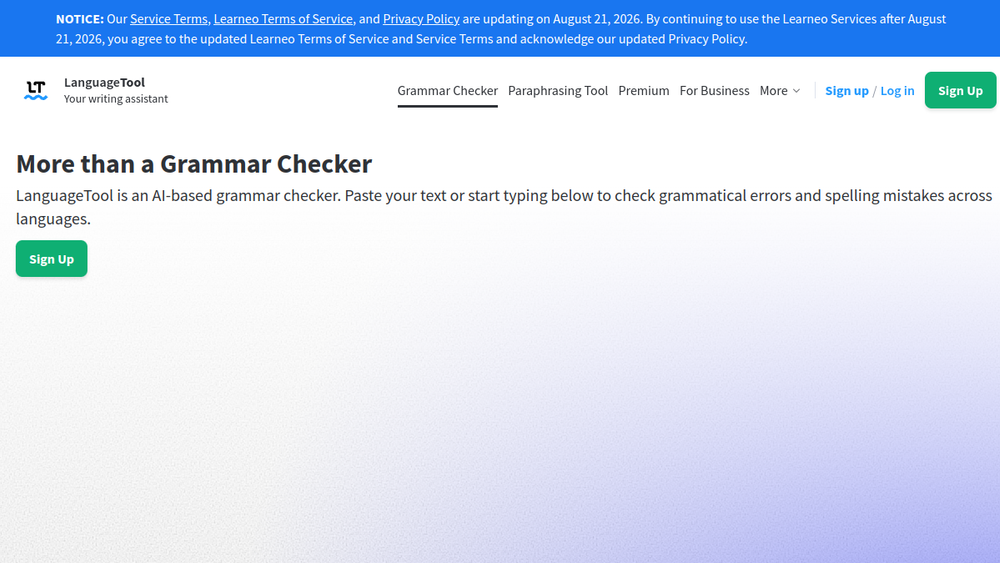
LanguageTool is an AI-based writing assistant that checks grammar, spelling, punctuation, and style in over 30 languages and dialects. It is available as a web-based editor, browser add-ons for Chrome, Firefox, Safari, Edge, and other browsers, as well as desktop apps for Windows and macOS. The tool also integrates with popular office programs like Microsoft Word, Google Docs, and LibreOffice, allowing users to improve their writing across various platforms.
LanguageTool fits into the writing workflow as a real-time proofreading tool. It automatically detects errors as you type, underlines them, and provides suggestions for correction. Beyond basic grammar and spelling, it offers style improvements, paraphrasing suggestions, and a personal dictionary. With its multilingual support and cross-platform availability, LanguageTool serves a broad audience, from students and professionals to non-native speakers seeking to enhance their writing.
Best for
- Students and academics who need to ensure their essays, theses, and papers are free of grammatical and stylistic errors.
- Professionals who write emails, reports, and documents in multiple languages and want to maintain a polished, error-free output.
- Non-native speakers who want to improve their writing in a foreign language by receiving contextual suggestions.
- Writers and editors who need a comprehensive tool for grammar, style, and paraphrasing to refine their content.
- Teams and organizations that require consistent writing quality across their communications, with support for multiple languages.
Key capabilities
- Grammar and spelling checking: Detects a wide range of errors, including subject-verb agreement, wrong plural forms, and misspellings, underlining them in red.
- Punctuation checking: Identifies and corrects punctuation issues, such as comma placement, hyphens, and excessive exclamation points.
- Style improvement: Offers suggestions for overused phrases, redundant words, and improper word choice, indicated by blue underlines.
- Paraphrasing tool: Uses AI to rephrase sentences to be more formal, fluent, simple, or concise.
- Multilingual support: Checks text in over 30 languages and dialects, with options for English variants (US, UK, Canada, Australia, New Zealand, South Africa).
- Cross-platform integration: Available as browser add-ons, desktop apps for Windows and macOS, and add-ins for Microsoft Word, Google Docs, and LibreOffice.
Common workflows
- Web-based proofreading: Users paste or type text into the LanguageTool web editor to receive instant feedback on grammar, spelling, and style. They can then apply suggestions directly or copy the corrected text.
- Browser add-on for email and social media: With the browser extension, users can check their writing in Gmail, Twitter, LinkedIn, and other web apps. The add-on automatically detects the language and provides suggestions as they type.
- Desktop app for documents: Users can install the LanguageTool desktop app for Windows or macOS and use it to check text in applications like Outlook, Word, Pages, and Slack, ensuring error-free writing across their favorite apps.
- Office integration for long-form writing: For documents in Microsoft Word or Google Docs, users can enable the LanguageTool add-in to check grammar and style directly within the document, making it easy to edit and revise.
- Paraphrasing for clarity: When struggling to find the right words, users can select a sentence and use the paraphrasing tool to rephrase it in a more formal, fluent, simple, or concise manner.
What to evaluate
- Writing stage: Consider whether LanguageTool is suitable for your entire writing process, from drafting to final editing. It provides real-time suggestions, but you may need to review and apply them carefully.
- Tone control: While LanguageTool offers style suggestions, it may not fully understand nuanced tone or context. Evaluate if its suggestions align with your intended voice.
- Language support: If you write in multiple languages, check that the languages you need are covered and that the tool handles dialects and variants appropriately.
- Editing transparency: LanguageTool shows suggestions and explanations, but you should assess how clear and accurate the suggestions are for your specific text.
- Privacy and data handling: If you handle sensitive information, review LanguageTool's privacy policy to understand how your text is stored and used, especially when using the browser add-on or web editor.
- Export workflow: Consider how easy it is to export your corrected text from the web editor or desktop app to your preferred document format.
Getting started
- Visit the LanguageTool website at https://languagetool.org and paste your text into the online editor to start checking immediately.
- Install the browser add-on for your preferred browser (Chrome, Firefox, Safari, Edge) to get real-time suggestions while typing on the web.
- For desktop use, download the LanguageTool app for Windows or macOS and install the add-in for Microsoft Word or Google Docs to check documents directly.
Why ToolSift lists it
LanguageTool is categorized under Text, with tags Writing Tools, Grammar Checker, and Content Writing, because it is a versatile writing assistant that helps users improve grammar, spelling, and style across multiple languages and platforms. The official URL (https://languagetool.org) was verified, and the page title and meta description confirm its purpose as an AI-based grammar checker. ToolSift lists LanguageTool to help users discover a reliable tool for enhancing their writing quality, whether for personal, academic, or professional use. Visit LanguageTool

