

Overview
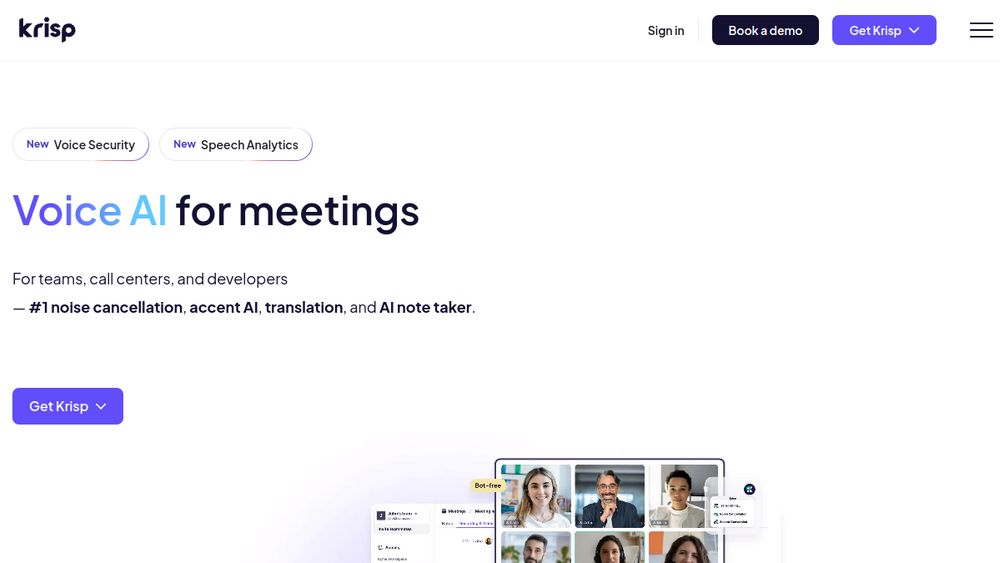
Krisp is a Voice AI platform designed to improve the quality and productivity of voice communications. It offers a suite of tools that address common pain points in meetings, such as background noise, accent barriers, and the need for accurate note-taking. The platform is built around a core of AI-powered noise cancellation, which filters out unwanted sounds in real time, and extends to features like accent conversion, meeting transcription, and automated summaries.
Krisp positions itself as a comprehensive solution for individuals, teams, call centers, and developers. Its AI Meeting Assistant provides transcription and note-taking for online meetings, while Call Center AI offers real-time agent support and analytics. For developers, Krisp provides an SDK to integrate its voice AI capabilities into custom applications. The platform works with popular conferencing tools like Zoom, Google Meet, and Microsoft Teams, and also supports mobile and in-person meeting recording.
Best for
- Professionals who frequently participate in online meetings and need clear audio and automated meeting notes.
- Remote and hybrid teams looking to reduce background noise and improve communication clarity.
- Call centers and customer support teams that require real-time accent conversion, translation, and agent assistance.
- Developers building voice-enabled applications who need noise cancellation, accent conversion, or voice isolation features.
- Individuals who want to record and transcribe in-person conversations or meetings on the go.
Key capabilities
- AI Noise Cancellation: Removes background noises, voices, and echoes in real time, as demonstrated by the on-page demo.
- AI Note Taker: Automatically generates meeting transcripts, summaries, and action items, with options for transcript-only, audio, or video recording.
- Accent Conversion: Converts accents in real time for both speakers and listeners, improving clarity in cross-cultural communication.
- Meeting Transcription and Recording: Supports transcription in 16 languages, with on-device English transcription for privacy and speed.
- Integration with Productivity Tools: Syncs notes and action items to platforms like Salesforce, HubSpot, and Slack, as mentioned on the page.
- Mobile and Desktop Support: Allows recording and transcription of in-person meetings via mobile app, and supports audio/video upload for transcription.
Common workflows
-
Online Meeting with Noise Cancellation: A user joins a Zoom call from a noisy environment. Krisp's noise cancellation filters out background sounds, ensuring the user's voice is clear to other participants. The AI Note Taker automatically records and transcribes the meeting, generating a summary and action items afterward.
-
Post-Meeting Note Generation: After a Microsoft Teams meeting, the user opens Krisp to review the AI-generated meeting notes. They can search the transcript, copy key points, and share the summary via Slack or email. The notes are also synced to their CRM, such as Salesforce, for follow-up.
-
In-Person Meeting Recording: A user attends a client meeting in person. They use the Krisp mobile app to record the conversation. The app transcribes the audio, and the user later accesses the transcript and summary in the Krisp workspace, where they can organize it with other meeting notes.
-
Accent Conversion for Clearer Communication: A call center agent with a strong accent uses Krisp's Accent Conversion feature during customer calls. The AI converts the agent's accent in real time, making it easier for customers to understand, and also converts the customer's accent for the agent, improving mutual comprehension.
-
Meeting Preparation with Agendas: Before a scheduled meeting, the user opens Krisp to see AI-suggested agenda items based on previous conversations. They set recording presets (e.g., transcript-only) and receive on-time notifications, ensuring they are prepared and capture the meeting as needed.
What to evaluate
- Recording and Transcription Accuracy: Consider how well Krisp handles different accents, technical jargon, and noisy environments. The platform offers custom vocabulary to improve accuracy for industry-specific terms.
- Noise Cancellation Effectiveness: Evaluate the quality of noise cancellation in various scenarios, such as background chatter, keyboard typing, or street noise. The on-page demo allows testing with different noise types.
- Integration Depth: Check which specific tools (e.g., Zoom, Slack, Salesforce) are supported and how seamless the integration is for your workflow. The page mentions integrations but does not list all of them.
- Privacy and Security: Review Krisp's security certifications (e.g., SOC 2, GDPR) and data handling policies, especially if you handle sensitive information. The page highlights enterprise-grade protections.
- Pricing and Plans: Since pricing is not detailed on the page, evaluate whether Krisp's pricing aligns with your budget and whether a free tier or trial is available. Consider the value of the features relative to cost.
Getting started
- Visit the Krisp website and sign up for an account. You can choose to download the desktop app or use the mobile app, depending on your needs.
- Install the app and follow the setup instructions. For online meetings, Krisp integrates at the audio level, so it works with most conferencing apps without additional configuration.
- Start a meeting or record a conversation. Krisp will automatically apply noise cancellation and, if enabled, begin transcription and note-taking. Review the generated notes and summaries in the Krisp dashboard.
Why ToolSift lists it
Krisp is listed under the Audio category, with tags including Audio Editing, Audio Production, Audio Cleanup, and Recording. These tags reflect its core capabilities in improving audio quality and capturing meeting content. The official URL (https://krisp.ai) was verified as the source for this profile. For more information, visit Krisp's official website.


