Overview
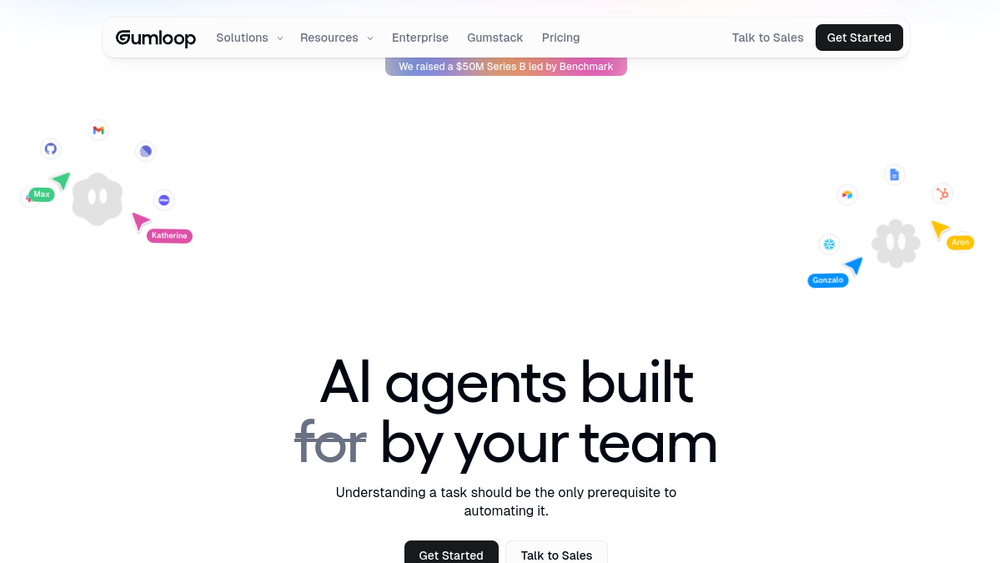
Gumloop is a platform designed for building and deploying AI agents within an organization. It positions itself as a "multiplayer" environment, meaning that multiple team members can collaborate on creating and managing agents. The platform supports integration with various AI models and external tools, and it provides administrative controls for IT departments to manage access and usage.
Gumloop fits into the broader category of no-code automation and business tools, aiming to make AI agent creation accessible to non-technical users. It emphasizes enterprise-grade security and governance, with features like role-based access control, audit logging, and the ability to deploy in a virtual private cloud. The platform also includes a component called Gumstack, which serves as an AI gateway for monitoring and analyzing AI interactions across the organization.
Best for
- Teams looking to automate repetitive tasks without extensive coding.
- Organizations that need to manage AI agent access and usage centrally.
- Business users who want to create custom agents for data analysis, support, CRM, and other functions.
- Companies that require enterprise-grade security and compliance for their AI deployments.
- Teams that want to integrate AI agents into their existing workflows and communication tools.
Key capabilities
- Multiplayer agent building: Allows multiple users to collaborate on building and managing AI agents.
- Integration with various AI models: Supports multiple AI models, avoiding vendor lock-in.
- Enterprise-grade security: Includes role-based access control, audit logging, and SSO integration.
- Deployment options: Can be deployed in the cloud or in a customer's own VPC.
- Usage monitoring and controls: Provides real-time credit usage tracking and budget/quota controls.
- Gumstack AI gateway: Monitors and analyzes AI interactions across the organization.
Common workflows
- Data Analysis Agent: Create an agent that answers questions from your data warehouse, allowing team members to query data using natural language.
- Support Agent: Build an agent that triages bugs, creates tickets, and identifies support patterns automatically from incoming support requests.
- CRM Agent: Develop an agent that manages deals, researches prospects, and keeps your CRM updated with relevant information.
- Meeting Prep Agent: Set up an agent that automatically briefs you before meetings by gathering context from your tools.
- Call Analysis Agent: Use an agent to analyze call recordings and surface objection patterns, coaching insights, and competitive intelligence.
What to evaluate
- Integration capabilities: Assess the range of integrations available and how easily they connect to your existing tools.
- Security and governance: Consider the level of control IT has over agent access, data, and model usage.
- Ease of use: Evaluate the learning curve for non-technical users and the intuitiveness of the agent-building interface.
- Scalability: Determine if the platform can handle your organization's growth and increasing automation needs.
- Support and documentation: Check the availability of support resources and documentation for troubleshooting and best practices.
Getting started
- Sign up for an account: Visit the Gumloop website and create an account to get started.
- Explore templates and examples: Familiarize yourself with the platform by reviewing pre-built agent templates and examples.
- Build your first agent: Use the visual builder to create a simple agent, connect it to a data source or tool, and test it in a sandbox environment.
Why ToolSift lists it
Gumloop is listed under the categories of Automation and Business, with tags including Workflow Automation, Integrations, No-Code, and Business Tools. The official URL was verified as https://www.gumloop.com. For more information, visit Gumloop.