Overview
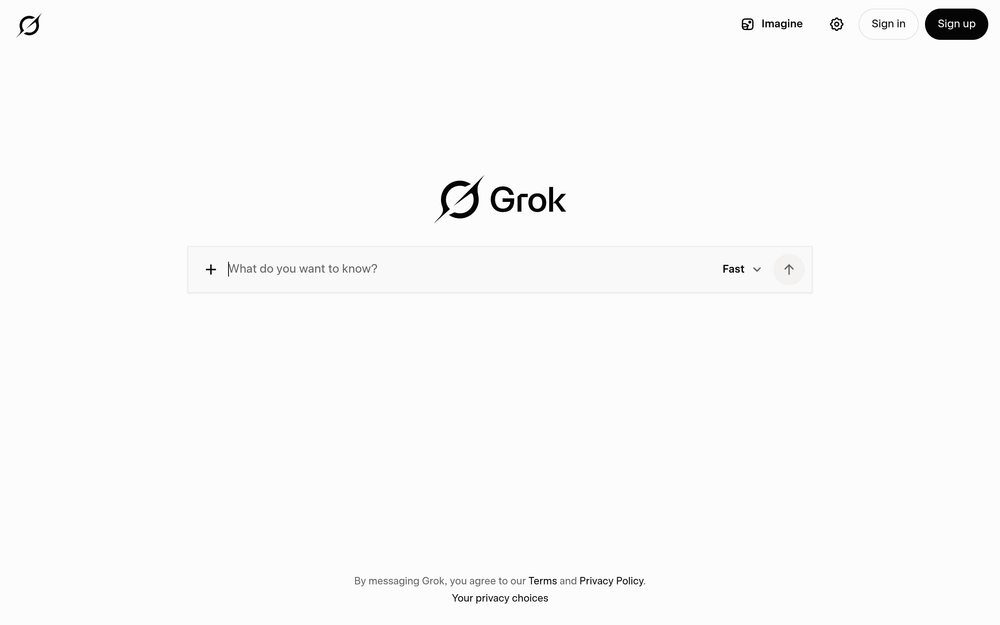
Grok is an AI assistant developed by SpaceXAI, designed to handle a variety of tasks including conversational chat, image generation, code writing, and providing real-time answers from the web and X (formerly Twitter). It positions itself as a versatile tool that integrates current information from these sources to enhance its responses.
Grok fits into the broader landscape of AI assistants by offering a combination of generative capabilities and real-time data access. It is particularly notable for its integration with X, allowing users to query and receive information that is up-to-date and contextually relevant to ongoing events and discussions on the platform.
Best for
- Users who want an AI assistant that can generate images and write code in addition to standard chat.
- Individuals seeking real-time answers from the web and X, useful for staying informed on current events or trending topics.
- Developers and creators who need a single tool for multiple AI-driven tasks, from brainstorming to prototyping.
- Those who prefer an AI that is integrated with a social media platform for seamless access to live information.
Key capabilities
- Chat: Engage in natural language conversations on a wide range of topics.
- Image creation: Generate images based on textual descriptions.
- Code writing: Assist with programming tasks by generating or explaining code snippets.
- Real-time web answers: Provide up-to-date information by accessing the web.
- X integration: Pull real-time data from X, including trends and user posts.
Common workflows
- Research and Summarization: Use Grok to ask about a recent news event, and it will fetch real-time web and X data to provide a concise summary with sources.
- Content Creation: Generate an image for a blog post by describing the desired visual, then use chat to refine the concept and write accompanying text.
- Coding Assistance: Describe a programming problem, and Grok can suggest code solutions, explain logic, or debug existing code.
- Social Media Engagement: Monitor X trends by asking Grok for the latest discussions on a topic, then use that information to craft informed replies or posts.
- Brainstorming: Use Grok as a sounding board for ideas, asking for suggestions on project names, marketing angles, or creative directions.
What to evaluate
- Model access and limitations: Consider whether the underlying AI model meets your needs for accuracy, creativity, and response speed.
- Output quality: Assess the relevance and coherence of responses, especially for complex queries or creative tasks.
- Source transparency: Evaluate how Grok handles real-time data, including whether it cites sources and how it filters information from the web and X.
- Privacy and data handling: Review how your interactions and data are stored or used, particularly given the integration with X.
- Integration and export: Determine if Grok's outputs can be easily exported or integrated into your existing workflows, such as saving images or code.
Getting started
- Visit the official Grok website at https://grok.com.
- Explore the interface to understand the available features, such as chat, image generation, and code writing.
- Start with a simple query to test the real-time web and X integration, then gradually explore more advanced capabilities.
Why ToolSift lists it
Grok is listed under the AI and Text categories, with tags including Artificial Intelligence, Generative AI, Writing Tools, and AI Assistants, reflecting its broad utility in AI-driven text and content generation. The official URL was verified as https://grok.com, and the description aligns with the provided evidence. For more information, visit Grok.