

Overview
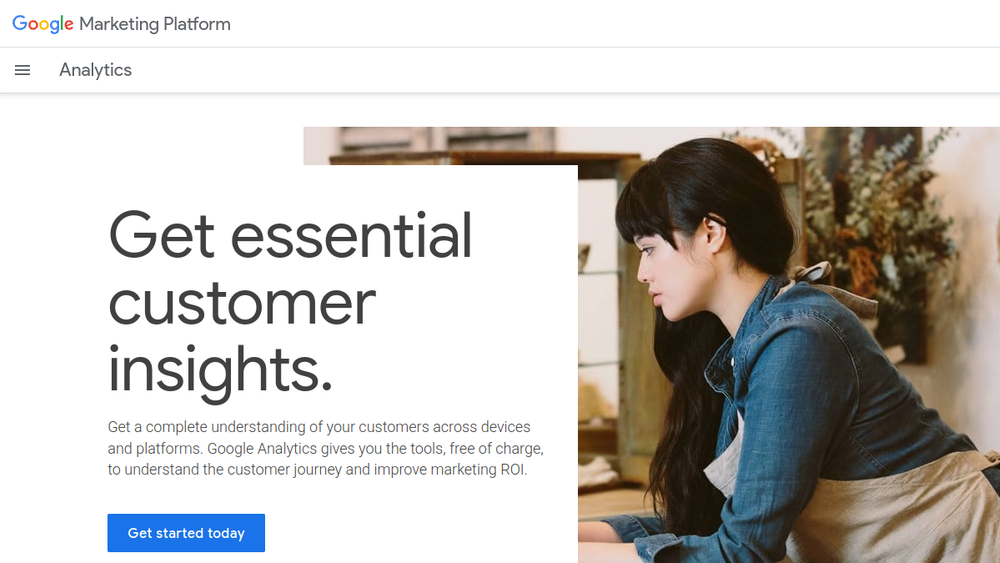
Google Analytics is a widely used web analytics service offered by Google. It helps businesses understand how users interact with their websites and mobile applications. By collecting and analyzing data on user behavior, Google Analytics provides insights that can inform marketing strategies, improve user experience, and optimize return on investment (ROI). The platform is designed to be accessible to both small businesses and large enterprises, offering a range of features from basic traffic reporting to advanced machine learning-driven insights.
Google Analytics fits into the broader marketing technology stack as a core measurement tool. It integrates with other Google products like Google Ads and Search Console, as well as third-party platforms, to provide a comprehensive view of the customer journey. The service is free to use, with a paid version (Analytics 360) available for larger organizations with more complex needs. However, the core features are available at no cost, making it a popular choice for businesses of all sizes.
Best for
- Small to medium-sized businesses looking to understand website traffic and user behavior without a significant investment.
- Marketing teams that need to measure the effectiveness of their campaigns across multiple channels, including organic search, paid ads, and social media.
- E-commerce sites aiming to track conversions, sales, and customer lifetime value.
- Organizations with both a website and a mobile app that want a unified view of user interactions across platforms.
- Data-driven marketers who want to leverage machine learning insights to anticipate customer actions and improve ROI.
Key capabilities
- Cross-platform tracking: Understand how customers interact across websites and apps, providing a complete view of the customer journey.
- Machine learning insights: Google's machine learning automatically uncovers trends and predicts future customer actions, helping marketers make data-driven decisions.
- Integration with Google advertising tools: Connect with Google Ads, Search Ads 360, and Display & Video 360 to optimize marketing performance.
- Customizable reporting: Create shareable reports and dashboards with an easy-to-use interface, allowing for quick analysis and collaboration.
- Audience segmentation: Build tailored audience lists based on user behavior, which can be used for remarketing and personalized marketing.
- Attribution modeling: Understand which marketing channels contribute to conversions, enabling better budget allocation.
Common workflows
- Set up Google Analytics on a website by adding a tracking code to each page. Then, configure goals to track specific actions like form submissions or product purchases.
- Create custom reports to analyze traffic sources, user demographics, and behavior flow. Use these insights to identify which marketing channels are driving the most valuable traffic.
- Set up e-commerce tracking to measure product performance, cart abandonment, and revenue. Use this data to optimize the online store and marketing campaigns.
- Use audience insights to create remarketing lists in Google Ads, targeting users who have visited specific pages but did not convert.
- Monitor real-time reports during a marketing campaign to see immediate user response, allowing for quick adjustments to messaging or targeting.
What to evaluate
- Data accuracy and sampling: Understand how Google Analytics collects data and whether sampling might affect report accuracy for high-traffic sites.
- Integration with existing tools: Consider how well Google Analytics integrates with your current marketing stack, such as CRM, email marketing, or data visualization tools.
- Learning curve: While the interface is user-friendly, advanced features like custom dimensions and events may require training or technical expertise.
- Privacy and compliance: Evaluate how Google Analytics handles data privacy, especially with regulations like GDPR, and whether you need to adjust settings or use additional tools.
- Cost: The standard version is free, but if you need higher data limits, more features, or dedicated support, consider the cost of Analytics 360.
Getting started
- Create a Google Analytics account by visiting the official website and signing in with a Google account.
- Set up a property for your website or app, and obtain a tracking ID or measurement ID.
- Add the tracking code to your site's HTML or use a tag manager like Google Tag Manager to implement it. Then, verify that data is being collected by checking the Real-Time report.
Why ToolSift lists it
Google Analytics is listed under the Marketing and Business categories, with tags including Marketing, Business Tools, Web Analytics, and Search Analytics. It is a fundamental tool for any business seeking to understand its online audience and measure marketing performance. The official URL (https://marketingplatform.google.com/about/analytics) was verified as the authoritative source for this profile. For more information, visit Google Analytics.


