

Overview
GitLab is a comprehensive DevSecOps platform that provides a single application for the entire software development lifecycle. It combines source code management, continuous integration and continuous delivery (CI/CD), security scanning, and collaboration features into one integrated system. The platform is designed to help development, security, and operations teams work together more efficiently, with a focus on automating workflows and embedding security throughout the development process.
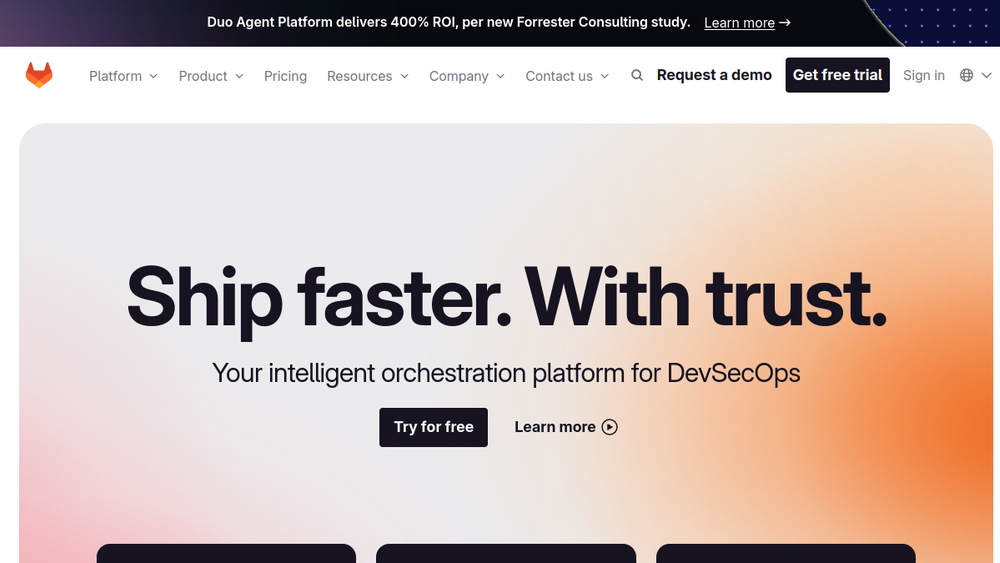
GitLab positions itself as an intelligent orchestration platform for DevSecOps, emphasizing the ability to define how teams and AI agents work together. It offers a unified data plane where projects, releases, and code reside, enabling teams to operate from a single source of truth. The platform supports various deployment options, including cloud-hosted and self-managed instances, and is used by organizations across industries such as financial services, public sector, telecommunications, automotive, education, and aerospace.
Best for
- Development teams seeking an integrated platform that covers planning, source code management, CI/CD, and security in one tool.
- DevOps and DevSecOps teams aiming to streamline workflows and improve collaboration between development, security, and operations.
- Organizations with compliance and security requirements that need built-in scanning and audit capabilities.
- Teams looking to leverage AI-assisted features to automate repetitive tasks and enhance productivity.
- Enterprises requiring flexible deployment options, including self-managed or air-gapped environments.
Key capabilities
- Source Code Management: Git repositories with branching, merging, and code review tools.
- CI/CD Pipelines: Automated build, test, and deployment pipelines with support for parallel jobs and caching.
- Security Scanning: Built-in SAST, DAST, dependency scanning, secret detection, and container scanning.
- AI-Powered Features: GitLab Duo provides AI-assisted code review, issue-to-merge-request conversion, and vulnerability remediation.
- Collaboration Tools: Issue tracking, merge requests, wikis, and project management boards.
- Compliance and Audit: Audit trails, compliance frameworks, and policy controls to meet regulatory requirements.
Common workflows
- Plan and Track: Create issues to capture work, organize them into epics and milestones, and use boards to visualize progress.
- Develop and Review: Create a feature branch, commit code, and open a merge request for peer review with inline comments and approvals.
- Build and Test: Use CI/CD pipelines to automatically build the application, run unit tests, and perform static analysis on every commit.
- Deploy and Monitor: Define deployment stages in the pipeline to release to staging and production environments, with integrated monitoring and logging.
- Secure and Comply: Run security scans as part of the pipeline, view findings in merge requests, and generate compliance reports for audits.
What to evaluate
- Deployment Model: Consider whether a cloud-hosted SaaS or self-managed instance (including air-gapped) fits your infrastructure and compliance needs.
- Integration Ecosystem: Assess compatibility with your existing tools, such as IDEs, issue trackers, and monitoring systems.
- Scalability: Evaluate how the platform handles large teams, monorepos, and high-volume CI/CD workloads.
- Security and Compliance: Review the built-in security features and whether they meet your industry's regulatory standards.
- Pricing and Licensing: Understand the licensing model, including seat-based and usage-based options, and how it aligns with your budget.
Getting started
- Sign up or install: Create a free account on GitLab.com or download the self-managed Community Edition for your own infrastructure.
- Create a project: Start a new project by importing existing code or creating a blank repository.
- Explore features: Use the built-in templates for CI/CD, security scanning, and issue tracking to begin your first pipeline.
Why ToolSift lists it
GitLab is listed under the Development category with tags including Developer Tools, Version Control, DevOps, and Collaboration. The official URL (https://about.gitlab.com) was verified as the source for this profile. GitLab's comprehensive feature set and widespread adoption make it a key tool for software development teams. For more information, visit GitLab's official website.

