

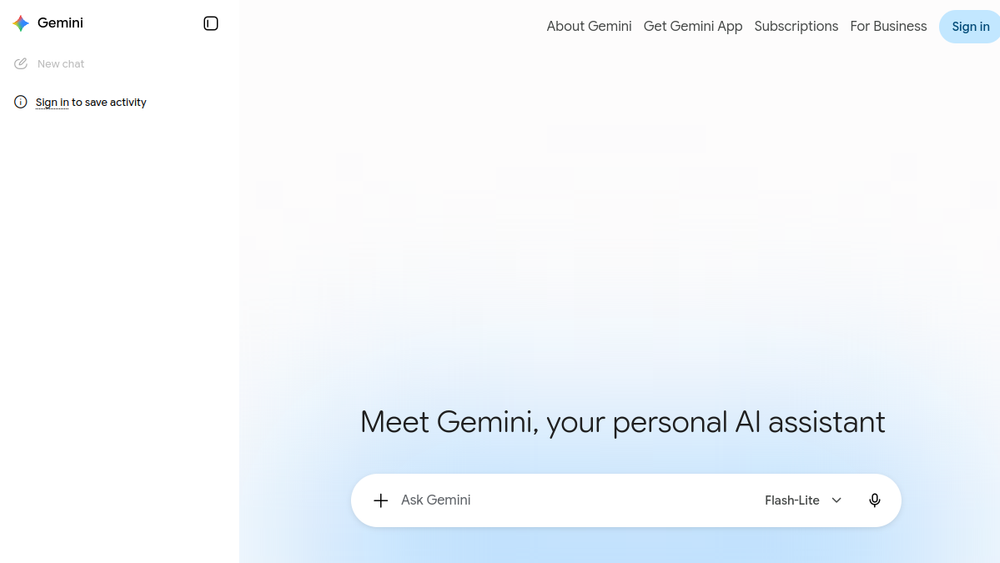
Overview
Gemini is an AI assistant developed by Google, designed to help users with a wide range of tasks including content creation, research, and model interaction. It leverages generative AI to assist with writing, brainstorming, and information synthesis, making it a versatile tool for individuals and professionals alike.
As an AI platform, Gemini integrates into Google's ecosystem, providing a seamless experience for users who rely on Google services. It is positioned as a general-purpose assistant that can adapt to different needs, from drafting emails to generating creative content, and is accessible through its official web interface.
Best for
- Writers and content creators seeking AI assistance for drafting and editing.
- Researchers needing quick summaries or explanations of complex topics.
- Professionals looking for a versatile AI tool for everyday tasks like email drafting and brainstorming.
- Students who require help with writing assignments or study materials.
- Anyone interested in exploring generative AI for personal or professional projects.
Key capabilities
- Generative AI for text creation and editing.
- Research assistance by providing information and summaries.
- Model interaction for users working with AI models.
- Integration with Google services for a cohesive workflow.
- User-friendly interface accessible via web.
Common workflows
- Drafting and Editing: Use Gemini to draft emails, reports, or articles, then refine the output with editing prompts.
- Research and Summarization: Ask Gemini to summarize articles or explain concepts, then use the information for reports or presentations.
- Brainstorming: Generate ideas for projects, names, or content by prompting Gemini with open-ended questions.
- Learning and Study: Use Gemini to explain difficult topics or create study guides, aiding in comprehension and retention.
- Content Repurposing: Transform existing content into different formats, such as turning a blog post into social media updates.
What to evaluate
- Model Access: Consider the variety of AI models available and whether they meet your specific needs.
- Output Quality: Assess the accuracy and relevance of generated content for your use cases.
- Source Transparency: Evaluate how Gemini handles citations and whether it provides sources for information.
- Privacy: Review data handling practices to ensure they align with your privacy expectations.
- Integrations: Check if Gemini integrates with tools you already use, such as Google Workspace.
Getting started
- Visit the official Gemini website at https://gemini.google.com.
- Sign in with your Google account to access the assistant.
- Start a conversation by typing a prompt or question, and explore the various features.
Why ToolSift lists it
Gemini is listed under the AI and Text categories, tagged as Artificial Intelligence, Generative AI, Writing Tools, and AI Assistants, reflecting its core functionality as an AI-powered writing and research assistant. The official URL was verified as https://gemini.google.com, ensuring users are directed to the authentic platform. For more information, visit Gemini.


