

Overview
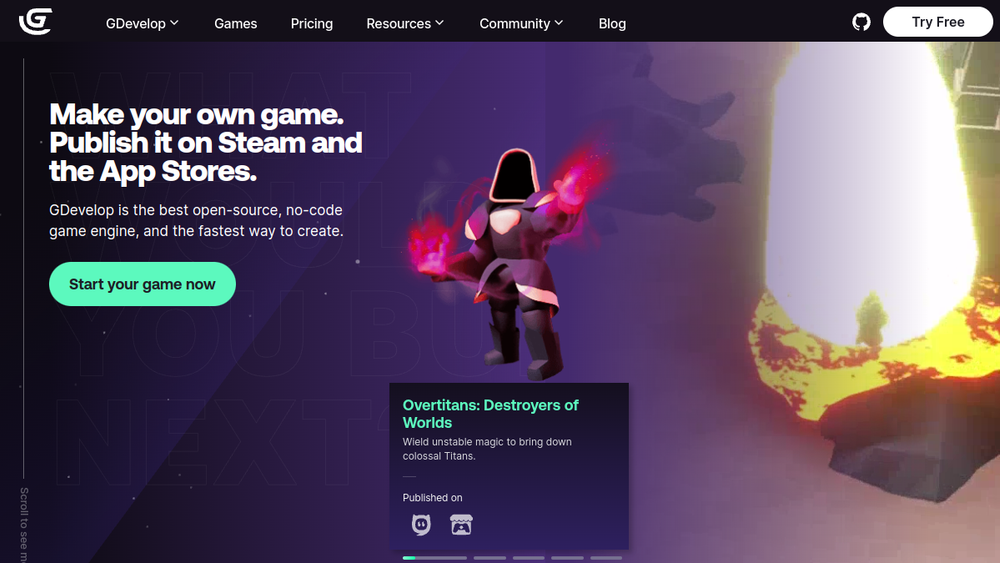
GDevelop is a free, open-source game engine designed to make game creation accessible to everyone, regardless of programming experience. It emphasizes a visual, no-code approach, allowing users to build games through an intuitive drag-and-drop interface and a unique event system. The engine supports both 2D and 3D game development, and it includes AI-assisted features to help users learn and build faster. GDevelop is lightweight and runs from any device, making it a versatile choice for beginners, educators, and indie developers.
Positioned as a fast and easy way to create games, GDevelop targets a broad audience, from hobbyists to professionals. It offers one-click exporting to multiple platforms, including desktop, web, Android, and iOS, and it provides built-in multiplayer and player services. The engine is built on industry standards and is extensible through JavaScript, making it a flexible tool for a wide range of game projects.
Best for
- Beginners and hobbyists who want to create games without learning traditional programming languages.
- Educators and students looking for a practical tool to teach game design and development concepts.
- Indie developers and small studios seeking a rapid prototyping and development environment.
- Brands and agencies creating promotional games or interactive experiences.
Key capabilities
- No-code event system: Visual, event-based logic that eliminates the need for advanced programming languages.
- Drag-and-drop interface: A visual, WYSIWYG (what you see is what you get) environment for game creation.
- AI assistance: Integrated AI tutor and tools to help users learn and build game mechanics faster.
- One-click exporting: Package games for desktops, web, and mobile devices with a single click.
- Multiplayer and player services: Built-in support for multiplayer lobbies, leaderboards, and player accounts.
- Open-source and extensible: Build on extensions or use JavaScript to expand the engine's capabilities.
Common workflows
- Creating a platformer game: Start with a template or blank project, use the drag-and-drop interface to add sprites and objects, then implement movement and collision using the event system. Test and export to web or desktop.
- Building a 3D game: Use GDevelop's 3D capabilities to create a simple 3D environment, add a player character, and implement basic interactions like running and driving. Export to supported platforms.
- Developing a roguelike game: Utilize the event system to generate procedural levels, manage player stats, and implement permadeath mechanics. Use built-in behaviors for common game logic.
- Learning with AI assistance: Ask the AI tutor questions about game development, get suggestions for mechanics, and follow in-app tutorials to progress from beginner to intermediate levels.
- Publishing to mobile: Design a game with touch controls, test on web, then use one-click exporting to create an Android or iOS build. Optionally, integrate multiplayer features for player engagement.
What to evaluate
- 2D/3D scope: While GDevelop supports both 2D and 3D, the 3D capabilities may be less mature than dedicated 3D engines. Assess if the features meet your project's requirements.
- Scripting flexibility: The no-code event system is powerful, but for complex logic, you may need to use JavaScript. Evaluate if the balance suits your team's skills.
- Asset pipeline: Consider how you will import and manage assets, including sprites, audio, and 3D models. GDevelop supports common formats, but verify compatibility with your workflow.
- Platform export: GDevelop offers one-click export to multiple platforms, but check the specific requirements for each target (e.g., iOS, Steam) and any associated costs.
- Performance tooling: For larger or more complex games, evaluate the engine's performance profiling and optimization tools to ensure they meet your needs.
Getting started
- Visit the official GDevelop website and download the desktop app or use the web version.
- Explore the in-app tutorials and examples to familiarize yourself with the interface and event system.
- Start a new project, experiment with the drag-and-drop tools, and use the AI assistant to help you build your first game.
Why ToolSift lists it
GDevelop is listed under the Games and Development categories, with tags including Game Development, Game Engine, Developer Tools, 2D, and 3D. The official URL (https://gdevelop.io) was verified as the authoritative source for the product. GDevelop stands out as a free, open-source game engine that lowers the barrier to entry for game creation, making it a valuable tool for a wide range of users. For more information, visit GDevelop's official website.
