

Overview
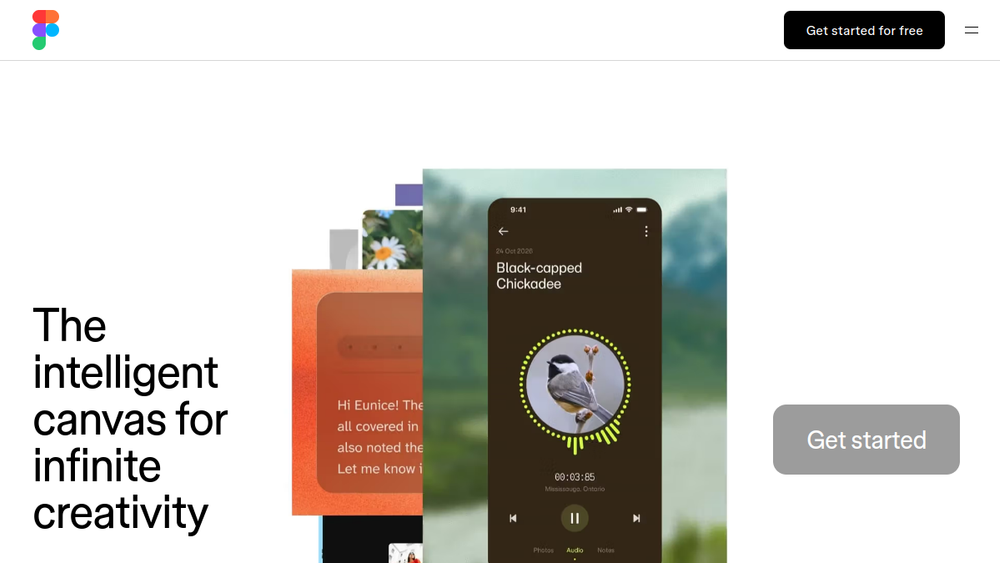
Figma is a web-based collaborative design platform that brings together design, prototyping, and developer handoff in a single workspace. It is widely used by product teams to create user interfaces for websites, mobile apps, and other digital products. Figma's real-time collaboration features allow multiple team members to work on the same file simultaneously, making it a central hub for design and development workflows.
Figma positions itself as an AI-native canvas, integrating AI capabilities to assist with design generation and refinement. It serves as a comprehensive tool for the entire product development process, from initial concept to final handoff, enabling teams to move from WIP to ship together.
Best for
- UI/UX designers who need a collaborative tool for interface design and prototyping.
- Product teams looking to streamline design-to-development handoff with shared context.
- Design systems teams that require consistent, scalable component libraries.
- Organizations seeking a single platform for design, feedback, and iteration across projects.
- Developers who want to inspect designs and access code snippets directly from the design file.
Key capabilities
- Real-time collaborative editing: Multiple users can work on the same design file simultaneously, with live cursors and comments.
- Vector-based design tools: Create and edit vector graphics, shapes, and text with precision.
- Prototyping: Link frames to create interactive flows with transitions and animations.
- Developer handoff: Inspect designs, export assets, and access CSS, iOS, and Android code snippets.
- AI-assisted design: Generate design variations and refine ideas using AI agents within the canvas.
- Component libraries and design systems: Build reusable components and maintain consistency across projects.
Common workflows
- Designing a mobile app UI: A designer creates frames for different screens, uses auto-layout to build responsive components, and shares the file with teammates for real-time feedback.
- Prototyping user flows: After designing screens, the designer links them with interactions to create a clickable prototype, then shares it with stakeholders for usability testing.
- Collaborating on a design system: A team maintains a shared library of components, using styles and variables to ensure consistency across multiple projects.
- Handing off designs to developers: Developers inspect the design file, view measurements, and export assets in the required formats, then copy code snippets for implementation.
- Using AI to explore design directions: A designer uses Figma's AI features to generate alternative layouts or refine existing designs, then aligns with teammates on the best approach.
What to evaluate
- Asset export formats: Consider whether Figma supports the file formats your team needs (e.g., PNG, SVG, PDF) and how easy it is to export assets.
- Prototyping depth: Assess whether the prototyping features (transitions, animations, logic) meet your needs for interactive user testing.
- Collaboration and permissions: Evaluate how granular you can control access and editing rights for different team members and stakeholders.
- Developer handoff: Check the quality of code snippets and the ease of inspecting designs for development.
- Brand-system workflows: If you maintain a design system, evaluate how well Figma supports component libraries, styles, and versioning.
Getting started
- Visit the Figma website and sign up for an account.
- Explore the interface by creating a new design file and experimenting with basic shapes and text.
- Use the built-in templates and community resources to learn common workflows, such as designing a mobile app or creating a prototype.
Why ToolSift lists it
Figma is listed under the Design category with tags including Design Tools, UI Design, Prototyping, and Collaboration. It is a leading tool for collaborative design and prototyping, and its official URL (https://www.figma.com) was verified as the canonical source. For more information, visit Figma's official website.

