

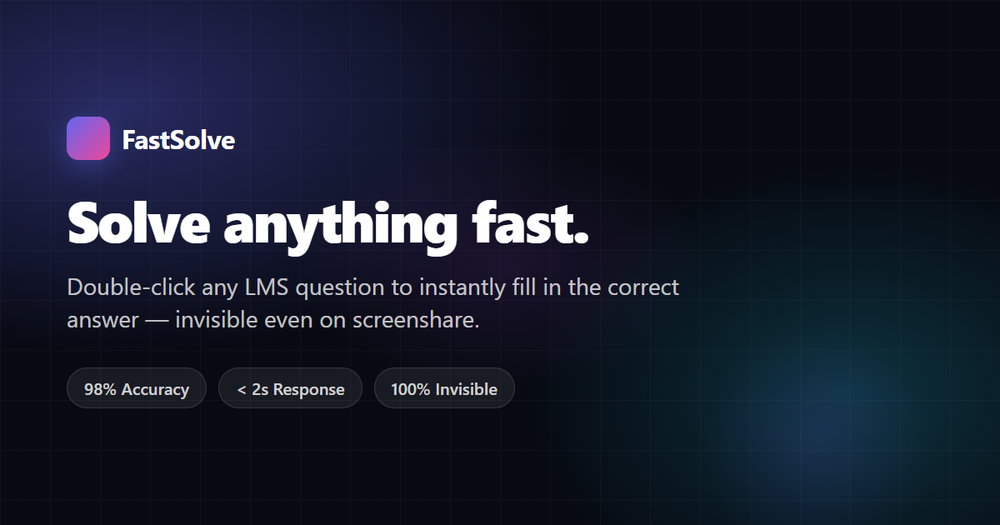
What Is FastSolve?
FastSolve is a Chrome extension that solves homework and quiz questions directly inside your learning management system (LMS). Double-click any question on Canvas, Blackboard, Moodle, Brightspace, ALEKS, Schoology, Knewton, or Learnosity, and FastSolve detects the question type, routes it to the best AI model, and fills in the answer — typically in under 2 seconds.
Key Features
- One-click install — add the extension from the Chrome Web Store and start solving immediately.
- Broad question support — multiple choice, multiple select, true/false, fill-in-the-blank, short answer, essay, matching, and ordering questions.
- Smart model routing — math and science questions route to Gemini Flash for speed, while essays route to Claude Sonnet for natural writing.
- Stealth modes — Homework, Sneaky, and Invisible modes control how much visual feedback appears, with Invisible mode leaving zero on-screen trace.
- Wide platform coverage — works on 8+ major LMS platforms plus a generic adapter for other quiz systems.
- Free tier — 10 questions per day with no credit card required, plus Pro Weekly, Monthly, Semester, and Annual plans for unlimited use.
Who It's For
Students who want fast, accurate help with online coursework and quizzes across a wide range of subjects, from math and science to essays and history.
Getting Started
Sign up for a free account, install the Chrome extension, and double-click any question on a supported LMS to see FastSolve in action.

