

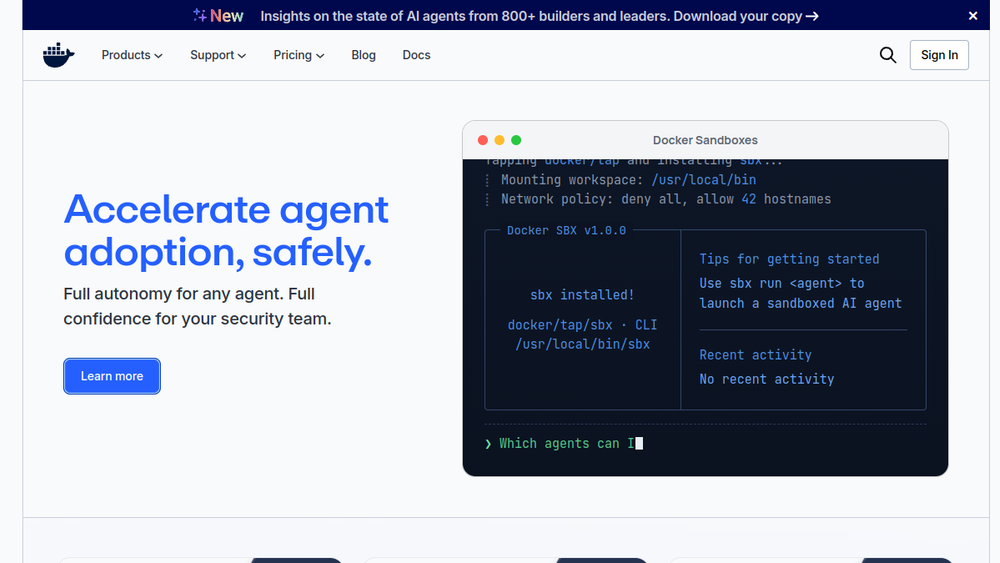
Overview
Docker is a platform designed to help developers build, share, and run container applications. It handles the tedious setup, allowing developers to focus on writing code. Containers package an application with its dependencies, ensuring consistent behavior across different environments, from a developer's laptop to production servers.
Docker fits into the software development lifecycle by providing a standardized way to package and distribute applications. It is widely used in DevOps practices, enabling continuous integration and delivery (CI/CD) by making applications portable and isolated. Docker also facilitates microservices architecture, where applications are broken into smaller, independently deployable services.
Best for
- Developers who want to ensure their code runs identically in development, testing, and production environments.
- DevOps engineers looking to streamline deployment processes and improve scalability.
- Teams adopting microservices or container-based architectures.
- Organizations aiming to improve collaboration between development and operations teams.
- Individuals learning containerization or building portable applications.
Key capabilities
- Containerization: Package applications and their dependencies into lightweight, portable containers.
- Image management: Build, share, and version container images using Docker Hub or other registries.
- Simplified setup: Reduces the complexity of configuring environments, allowing developers to focus on code.
- Cross-platform consistency: Ensures applications run the same way across different systems.
- Isolation: Provides process and filesystem isolation, improving security and reducing conflicts.
Common workflows
- Local development: A developer writes code and uses a Dockerfile to define the environment, then runs
docker buildanddocker runto test locally. - CI/CD pipeline: In a continuous integration system, Docker images are built and pushed to a registry, then deployed to staging or production using container orchestration.
- Microservices deployment: An application is broken into multiple services, each running in its own container, and managed with tools like Docker Compose for local orchestration.
- Environment replication: A team shares a Docker image to ensure all members have the same development environment, reducing "it works on my machine" issues.
- Legacy application modernization: Existing applications are containerized to improve portability and ease of deployment.
What to evaluate
- Supported stacks: Consider whether Docker supports the programming languages and frameworks your team uses.
- Local vs. cloud workflows: Evaluate how Docker integrates with your existing local development and cloud deployment strategies.
- Collaboration: Assess how your team will share images and manage access to registries.
- Integrations: Look into compatibility with your CI/CD tools, orchestration platforms, and monitoring solutions.
- Deployment and observability: Consider how Docker fits into your deployment pipeline and how you will monitor containerized applications.
Getting started
- Install Docker: Download and install Docker Desktop or Docker Engine from the official website for your operating system.
- Run a test container: Use the command
docker run hello-worldto verify the installation and learn basic commands. - Create a Dockerfile: Write a simple Dockerfile for your application, then build and run it to see the containerization process.
Why ToolSift lists it
Docker is listed under the Development category with tags Developer Tools, Containers, and DevOps because it is a fundamental tool for modern software development and deployment. The official URL (https://www.docker.com) was verified as the authoritative source for this profile. For more information, visit Docker's official website.
