

Overview
DeepL Write is an AI-powered writing companion designed to help users enhance their written communication. It goes beyond basic spell-checking by offering suggestions for grammar, punctuation, style, and tone, allowing users to refine their text for clarity and impact. The tool is part of the DeepL ecosystem, known for its translation services, and leverages advanced language AI to provide nuanced writing assistance.
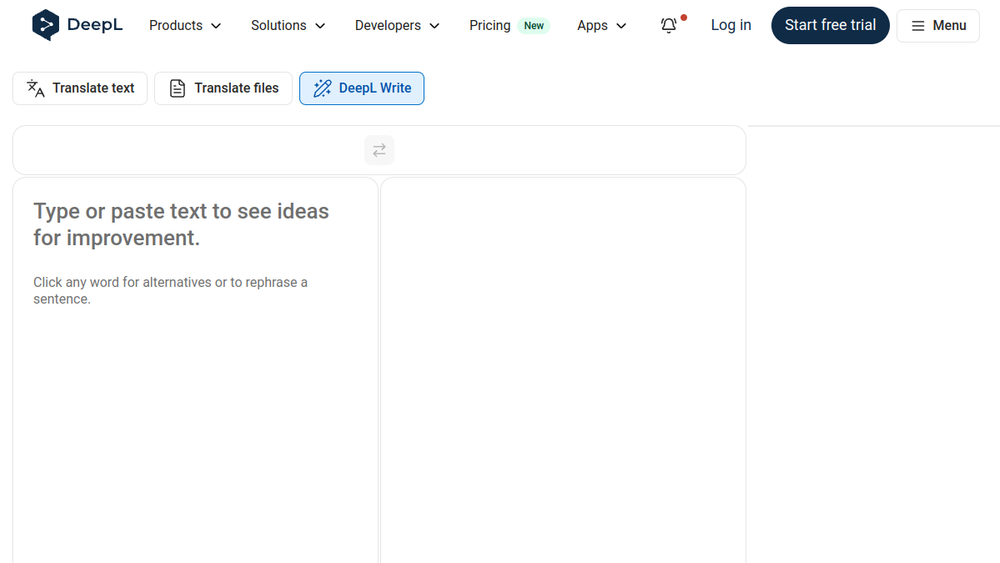
DeepL Write fits into the workflow of anyone who writes regularly, from professionals drafting emails and reports to students polishing essays. It provides a simple interface where users can paste or type text, receive suggestions for improvement, and choose from alternative wordings or sentence rephrasings. The tool also allows users to set a specific writing style and tone, ensuring the output matches the intended audience.
Best for
- Professionals who need to communicate clearly and effectively in written correspondence, reports, and presentations.
- Non-native English speakers who want to improve the fluency and naturalness of their writing.
- Students and academics who require polished, error-free essays and papers.
- Marketers and content creators who need to adapt their writing to different tones and audiences.
- Anyone who wants to refine their writing style and avoid common grammatical errors.
Key capabilities
- Grammar and spelling correction: Identifies and corrects errors in spelling, grammar, and punctuation.
- Style and tone adjustments: Allows users to choose from different writing styles and tones (e.g., formal, informal) to suit their audience.
- Word and sentence alternatives: Provides alternative word choices and rephrased sentences to improve clarity and impact.
- Editing tools: Offers options to show changes, apply corrections only, or view style suggestions.
- Customization: Users can set style rules and preferences to tailor suggestions to their needs.
Common workflows
- Drafting an email: A user writes a professional email, pastes it into DeepL Write, and uses the suggestions to make the tone more polite and the language more concise.
- Polishing a report: An analyst prepares a business report, runs it through DeepL Write to fix grammatical errors and improve sentence flow, then exports the final version.
- Adapting content for different audiences: A marketer writes a product description, then uses DeepL Write to adjust the tone from casual to formal for a corporate client.
- Learning and improving: A non-native speaker uses DeepL Write to check their writing, reviews the alternatives, and learns from the suggestions to improve their language skills.
- Final proofreading: A student writes an essay, uses DeepL Write to catch any remaining errors, and ensures the writing is clear and well-structured before submission.
What to evaluate
- Writing stage: Consider whether DeepL Write is suitable for your entire writing process, from initial drafting to final editing, or if it is best used as a polishing tool.
- Tone control: Evaluate how well the tone and style options meet your needs, and whether the suggestions align with your intended audience.
- Language support: Check if DeepL Write supports the languages you write in, and whether the quality of suggestions is consistent across languages.
- Editing transparency: Assess how clearly the tool shows changes and alternatives, and whether you can easily accept or reject suggestions.
- Privacy and security: If you handle sensitive information, review DeepL's privacy policy and data handling practices to ensure they meet your requirements.
Getting started
- Visit the DeepL Write website at https://www.deepl.com/en/write.
- Type or paste your text into the source text box.
- Review the suggestions and click on any word or sentence to see alternatives or rephrasing options.
Why ToolSift lists it
DeepL Write is listed under the Text category with tags Writing Tools, Translation, and Grammar Checker because it provides AI-driven writing assistance that complements DeepL's translation services. The official URL was verified as https://www.deepl.com/en/write, and the tool is recognized for its ability to improve writing quality through grammar correction, style suggestions, and tone adjustments. For more information, visit DeepL Write.

