

Overview
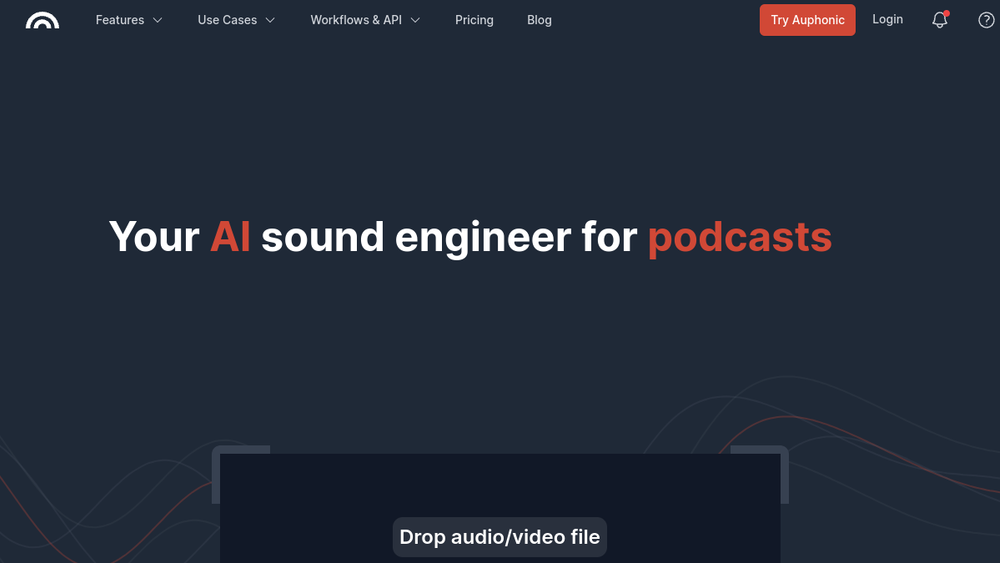
Auphonic is a web-based service that automates audio post-production tasks. It is designed to simplify the process of preparing audio for distribution by automatically applying a range of processing steps. The service is positioned as an "AI sound engineer" that handles tasks such as noise reduction, loudness normalization, and format conversion.
Auphonic fits into the audio production workflow as a post-production tool, typically used after recording and before publishing. It is particularly relevant for podcasters, radio broadcasters, and other content creators who need consistent, professional-sounding audio without manual editing.
Best for
- Podcasters who want to streamline their editing and mastering workflow.
- Radio broadcasters and producers needing consistent loudness and quality across episodes.
- Content creators who record interviews or remote conversations and require cleanup and leveling.
- Audio engineers looking to automate repetitive post-production tasks.
- Organizations that produce large volumes of audio and need efficient batch processing.
Key capabilities
- Automatic loudness normalization to standards like EBU R128.
- Noise and hum reduction to clean up recordings.
- Leveling and compression to balance audio dynamics.
- Automatic speech enhancement and de-essing.
- Multi-format output encoding (e.g., MP3, AAC, FLAC) with metadata embedding.
- Integration with external services for file transfer (e.g., SFTP, Dropbox, Google Drive).
Common workflows
- Upload a raw podcast recording to Auphonic, apply automatic leveling and noise reduction, then download the processed file in multiple formats for distribution.
- Use Auphonic to normalize loudness across a series of episodes to ensure consistent playback volume on different platforms.
- Process interview recordings by applying speech enhancement and de-essing to improve clarity before publishing.
- Automate the post-production of daily radio segments by setting up presets and using batch processing.
- Transfer files via external services like Dropbox or SFTP to integrate Auphonic into an existing production pipeline.
What to evaluate
- Consider the level of control you need over processing parameters; Auphonic offers presets but may have limited manual adjustments.
- Evaluate the free tier and pricing plans to see if they align with your usage volume.
- Assess the quality of the automatic processing for your specific audio content, as results can vary based on recording conditions.
- Check the supported input and output formats to ensure compatibility with your workflow.
- Review the file transfer options and whether they integrate with your existing storage or hosting services.
Getting started
- Visit the Auphonic website and create an account.
- Upload an audio file or connect an external service like Dropbox or Google Drive.
- Choose a preset or configure processing settings, then start the processing and download the output.
Why ToolSift lists it
Auphonic is listed under the Audio category with tags for Audio Editing, Audio Production, Audio Cleanup, and Recording. The official URL was verified as https://auphonic.com. For more information, visit Auphonic.

