

Overview
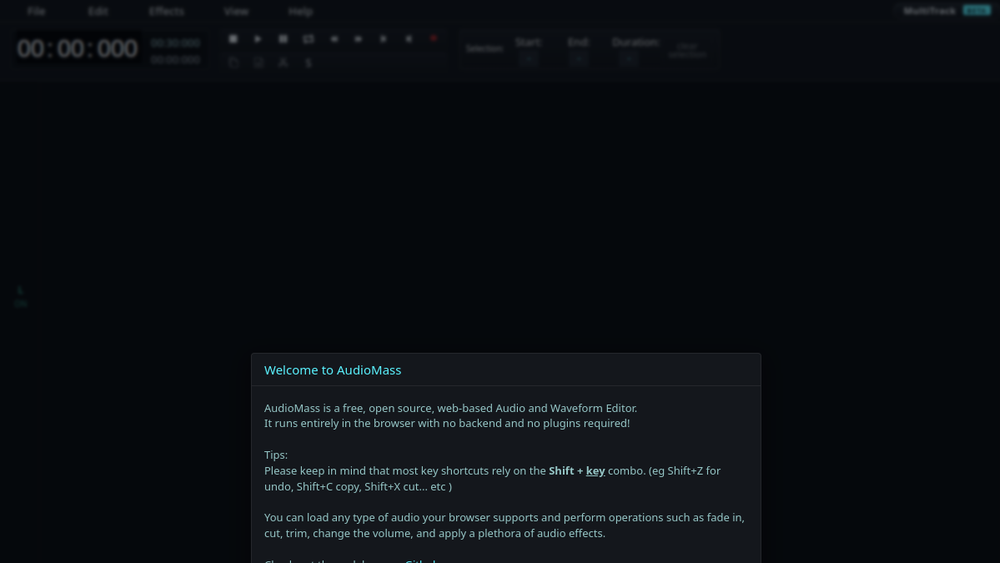
AudioMass is a free, full-featured web-based audio and waveform editing tool. It runs entirely in the browser, allowing users to record, edit, and process audio without installing any software. The tool provides a visual waveform interface for precise editing, making it accessible to both beginners and experienced users who need a quick, lightweight solution.
AudioMass fits into the audio production landscape as a convenient, zero-install option for tasks such as trimming, cutting, applying effects, and exporting audio files. It is particularly useful for quick edits, podcast snippets, sound design sketches, or any scenario where a full desktop DAW is overkill.
Best for
- Hobbyists and content creators who need quick audio edits without complex software.
- Podcasters and YouTubers looking to trim, cut, or apply basic effects to audio clips.
- Students and educators exploring audio editing concepts in a browser-based environment.
- Sound designers and musicians prototyping ideas or preparing samples.
- Anyone needing a portable audio editor that works on any device with a modern browser.
Key capabilities
- Waveform editing: Visualize audio as a waveform and perform precise selections, cuts, and trims.
- Recording: Capture audio directly from a microphone or other input device.
- Effects and filters: Apply common audio effects such as fade, volume adjustment, and equalization.
- Multi-track support: Work with multiple audio tracks for layering or mixing.
- Export options: Save edited audio in common formats like MP3, WAV, and OGG.
- Undo/redo: Revert changes easily during the editing process.
Common workflows
- Trimming a podcast episode: Import a long recording, select the sections to remove, and cut them out. Then export the cleaned audio as an MP3 for publishing.
- Creating a ringtone: Load a song, select a short segment, apply a fade-out effect, and export as a high-quality WAV file.
- Recording a voiceover: Use the built-in recorder to capture narration, then edit out mistakes and add subtle volume normalization before exporting.
- Mixing two audio clips: Import a background music track and a voice track, adjust their volumes, and layer them on separate tracks to create a simple mix.
- Applying effects for sound design: Import a sound effect, apply filters like low-pass or high-pass, and adjust the gain to shape the desired tone.
What to evaluate
- Editing precision: Consider how accurately you can select and edit audio at the sample level, especially for detailed cuts.
- Recording quality: Assess the fidelity of the built-in recorder and whether it meets your needs for voice or music capture.
- Effect range: Determine if the available effects and filters are sufficient for your typical processing tasks.
- Export flexibility: Check the supported output formats and quality settings to ensure they align with your delivery requirements.
- Browser compatibility: Verify that AudioMass works smoothly on your preferred browser and operating system.
Getting started
- Visit the official AudioMass website at https://audiomass.co.
- Click the "Open AudioMass" button to launch the web app in your browser.
- Start a new project by recording audio or importing an existing file, then begin editing.
Why ToolSift lists it
AudioMass is categorized under Audio, with tags for Audio Editing, Audio Production, and Recording, reflecting its core functionality as a browser-based audio editor. The official URL was verified as https://audiomass.co, and the tool is listed because it offers a free, accessible solution for audio editing without installation. For more information, visit AudioMass.

